
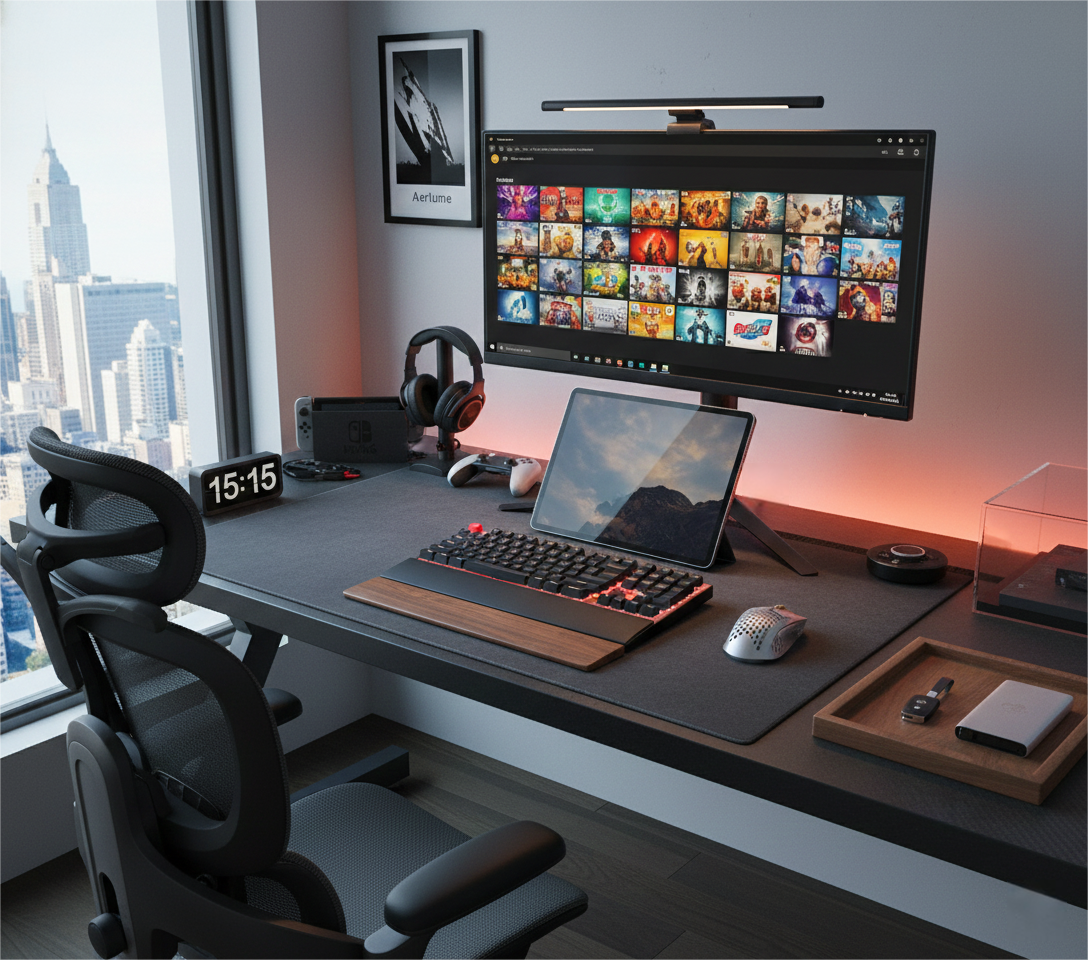
Typing “gaming desk” into Google is easy. Finding one that doesn’t wobble the moment you touch your mouse? That’s the real boss fight.
For most people in Australia, the biggest problem isn’t RGB or cup holders. It’s whether the desk feels solid under your gear – the stability and load-bearing, not just the look.
Below is a simple guide built around pain points, real-world fixes, and what to look for in a proper gaming desk.
1. Pain point: Wobbly desk, shaky screen
You line up a headshot, flick the mouse, and the monitor shivers like it’s in an earthquake. Or you add a second screen and a monitor arm, and suddenly the whole desk starts to hum every time you type.
That’s the classic “unstable desk, not enough load-bearing” problem. The gear looks serious, but the table under it is still living in the “study desk from high school” era.
Solution: Think frame first, not stickers
A proper gaming desk should feel like the floor – not like a folding card table. Look for:
- A steel frame with good thickness, not thin tubes that flex when you lean on the edge.
- Crossbars or Z-/T-frame support that stops side-to-side wobble.
- A thick desktop (eco-board or solid core) that doesn’t bow in the middle when you put the PC and dual monitors on it.
- Clear load specs – if the brand dares to talk about real numbers, it usually trusts its own structure.
That’s where an eco-board gaming desk like the ones in the AGKey range stands out: the board itself is dense and stable, and the frame is built to hold serious weight without complaining every time you rage-tap the keyboard.
2. Pain point: Real rental life vs. real gear weight
Not everyone is building a setup in a big house. A lot of Aussie gamers and students are in rentals: small bedrooms, thin walls, and furniture that came with the place.
Scene: an international student in a rental
Imagine an international student in Sydney, renting a small room in a share house. The “desk” is an old, hollow-core piece left by the previous tenant.
They bring in a 27" monitor, a laptop stand, a chunky tower PC and a speaker pair. Every time they rest their elbows or move the mouse a bit harder, the whole desk shivers. Typing notes for class? The monitor wobbles. Playing ranked? The aim is fine, but the screen shakes just enough to be annoying.
Eventually they switch to a proper gaming desk with a solid eco-board top and a reinforced steel frame. Same room, same gear – but now:
- The desktop doesn’t flex when the tower and screens sit on it.
- The frame doesn’t twist when they lean in during a clutch round.
- The overall stability and load-bearing finally match the amount of hardware on top.
Nothing about the internet speed changed. The only difference is that the desk stopped acting like a trampoline and started acting like a platform.
3. Pain point: Too small, too messy, too tiring
Once stability is sorted, the next problems show up: there’s not enough depth, everything is cramped, and cables hang down like vines.
Solution: Plan the “battlefield layout”
A good gaming desk solves more than wobble:
- Enough depth so monitors aren’t in your face and you still have space for keyboard, mouse and a notebook.
- Enough width to run dual screens or an ultrawide without pushing everything to the edge.
- Cable management options – grommet holes, a tray underneath, maybe a channel at the back – so the power board and cables are hidden, not wrapped around your feet.
This is where a well-designed eco-board gaming desk earns its place: the top is strong enough to handle the load, and the layout is smart enough to keep your setup clean instead of chaotic.
4. What to look for when you buy
Before you hit “add to cart”, run a quick checklist:
- Does the desk talk about stability and load-bearing, not just colours and LED strips?
- Is the frame reinforced (crossbar, solid steel, proper connectors), not just four spindly legs?
- Is the desktop a solid eco-board or similar material that won’t sag under real hardware?
- Does the size fit your room and your gear, not just the product photo?
If the desk can answer “yes” to those, it’s not just another flat surface. It’s a stable base for every upgrade you add on top – new monitor, new PC, new season of late-night grinding.
Share:
The Anchor of Your Day: Why Your Desk Needs an Upgrade in 2026
“Stability Anxiety”: How to Pick a Standing Gaming Desk That Won’t Wobble