
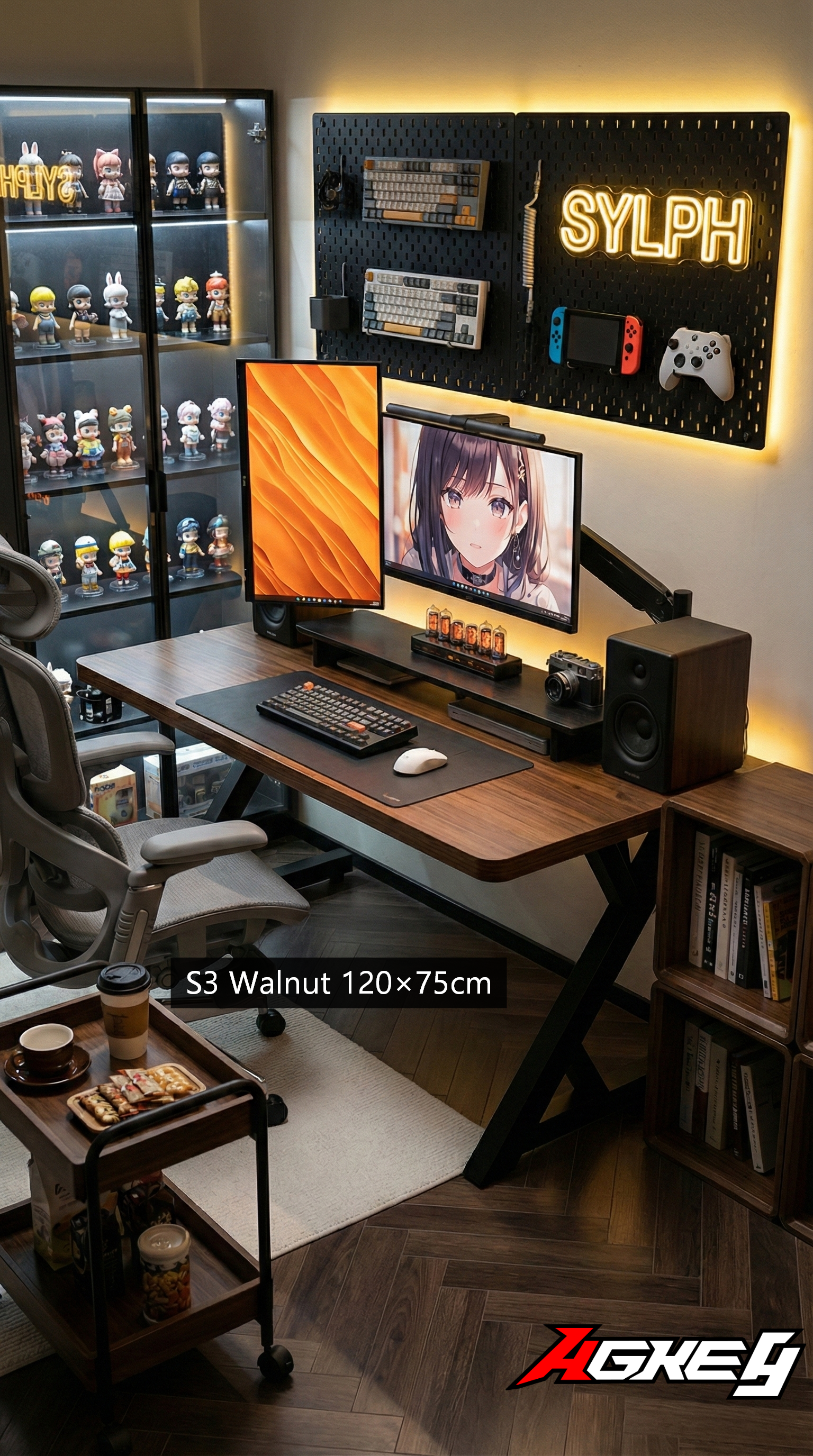
“If Your Monitor Wobbles, So Does Your Mood” — A Stability & Load-Realistic Gaming Desk Guide for Aussies
In Australia, a “gaming desk” isn’t just holding a keyboard. It’s holding a whole ecosystem: ultrawide monitors, heavy monitor arms, a PC that’s somehow grown into a small fridge, speakers, and maybe a mic boom hanging off the side.
The pain point people don’t expect is this: a desk can “support the weight” and still feel shaky. And wobble ruins the vibe fast—especially in clutch moments or long study nights.
Here’s how to buy for stability and real-world load, not marketing numbers.
1) Don’t chase the biggest weight rating — chase “no wobble under real load”
A high weight capacity can still come with flex. What matters is how the desk behaves when you:
- Type fast
- Swipe hard in FPS
- Bump the desktop
- Tilt a monitor arm
Ask yourself one key question: does the desk stay calm when force is applied sideways? Most wobble is lateral, not vertical.
What helps in real life:
- A wide stance / solid leg geometry
- Bracing that reduces side-to-side sway
- A rigid connection between frame and desktop (not just a few tiny screws doing all the work)
2) Monitor arms are the wobble amplifier
Monitor arms are amazing—until the desk isn’t ready. They act like a lever: tiny movement at the clamp becomes a big shake at the screen, especially with ultrawides.
Check for:
- A desktop that’s rigid enough where the clamp sits
- A frame that doesn’t twist when weight is off-centre
- Enough depth so the arm isn’t pulled to the very edge (edge loading increases shake)
If you’re planning dual monitors or an ultrawide, treat that plan as a stress test, not an accessory.
Lachlan in Melbourne learned this after upgrading his setup over winter. He clamped a heavy dual-monitor arm onto a bargain desk and thought it was fine—until game night. Every time he flicked the
Share:
Your Desk Shouldn’t Feel Like Economy Class” — Aussie Gaming Desk Fit Guide
One Desk, Four Lives: When Your Setup Has to Do Everything