
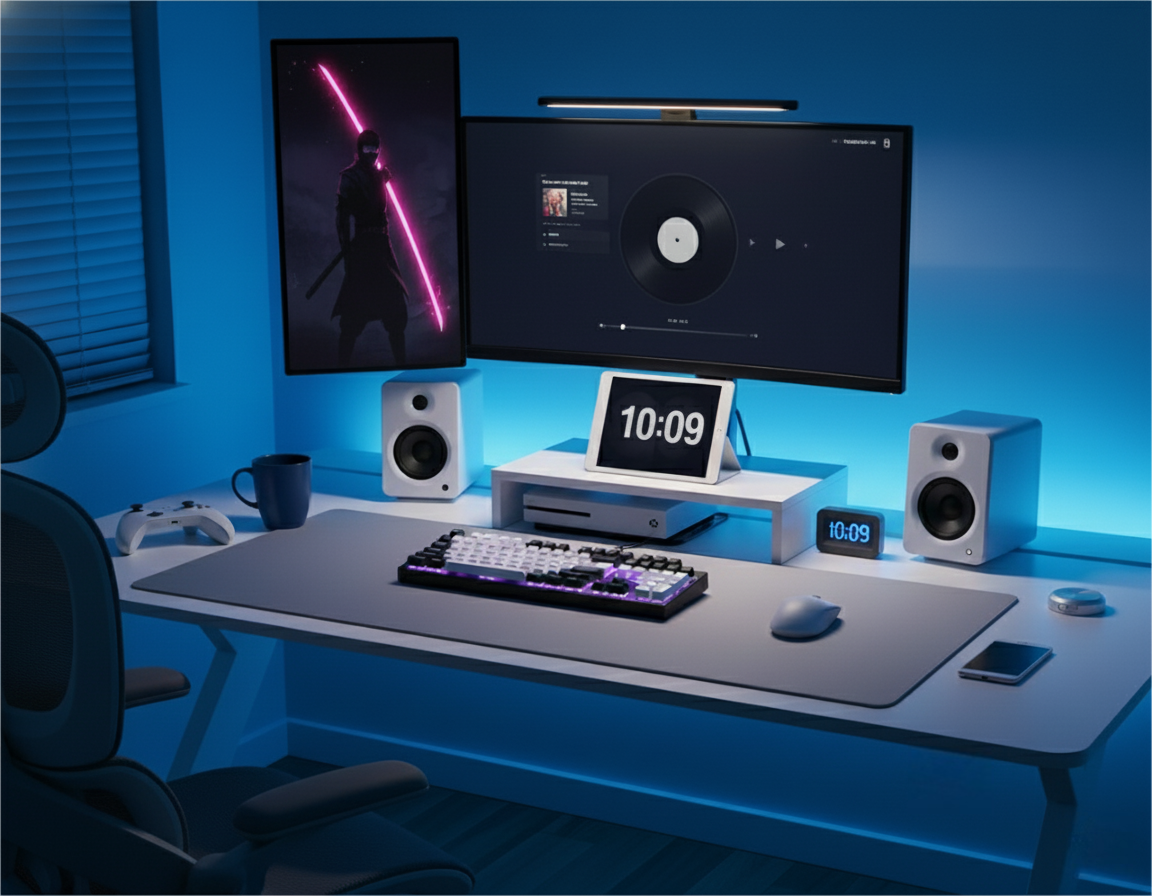
“Stop Buying a Desk That Bullies Your Body” — An Aussie Fit-Check Guide
A lot of Aussie gamers and students don’t need a “bigger desk.” They need a desk that doesn’t quietly ruin their posture in a small room. If you’re renting, living in a share house, or working with carpet and tight corners, the most common fail is fit: the desk is too shallow, too tall (or too low) for your chair, or the frame steals your leg space.
Here’s a fit-check guide made for real-life setups—not showroom photos.
1) Depth: the “keyboard eats the whole desk” warning sign
If a desk is shallow, the keyboard and mousepad take over, and the monitor ends up sitting too close. That’s when you lean in, shoulders roll forward, and long sessions start to feel heavy.
Try this quick test (no measuring tape required):
- Imagine your keyboard placed where you naturally type
- Add your mousepad space
- Now picture your monitor stand/arm behind that, with enough cable slack
If your brain goes, “There’s no way,” the desk depth is the problem.
Depth matters even more if you:
- Use a big mousepad
- Run a laptop + monitor combo
- Keep a notebook / uni stuff on the desk
2) Height: don’t let a desk force your chair into a bad deal
A desk that’s the “wrong height” turns into daily micro-annoyances:
- You raise the chair → feet float, lower back complains
- You keep feet flat → shoulders creep up, wrists bend
What “right” feels like:
- Shoulders relaxed (not creeping toward your ears)
- Elbows sitting comfortably around desk height
- Wrists neutral (not angled up like you’re typing on a bar counter)
Rental reality: if your chair is basic, desk height becomes even more important. You can’t “adjust your way out” of a bad mismatch.
3) Legroom: the hidden reason you can’t sit straight
People blame their chair, but sometimes the desk is the villain. A crossbar, drawers, or thick frame can block your knees so you can’t pull in close. Then you end up perching on the edge, leaning forward, or sitting off-centre.
Check for:
- Open space where your knees naturally go
- Room to shift position during long sessions
- No under-desk bits forcing you to sit sideways
An Adelaide uni student bought a desk online that looked “compact.” The first night, their knees kept hitting the underside frame, so the chair couldn’t slide in. They started leaning forward to reach the keyboard, then resting elbows awkwardly on the edge—fine for a quick game, brutal during a three-hour assignment.
After switching to a desk with a clearer under-desk area and a bit more depth, they could sit closer, keep the screen back, and still have space for notes. Same room—just instantly less cramped.
Where AGKey fits in
If you’re checking out an AGKey gaming desk, run the same fit test:
- Depth that lets you keep the screen at a comfortable distance
- Height that works with the chair you actually own
- Under-desk space that doesn’t block knees or footrests
A desk that fits your body makes your whole setup feel easier—no constant posture fixes.
Quick takeaway for Aussie rooms
If your space is tight, don’t chase “small.” Chase usable:
- Enough depth so you’re not face-to-screen
- Height that doesn’t force shoulder tension
- Legroom that lets you sit centred
Get those right, and your setup feels bigger—even if the room isn’t.
Share:
“Knees vs. Desk: Who Wins?” A Fit-First Gaming Desk Guide for Aussie Setups
“Your Setup Isn’t Messy — Your Desk Is” A Cable & Storage-First Gaming Desk Guide for Aussies