

(Pre-order) M1 Monitor Arm - Black
Upgrade Your Workspace
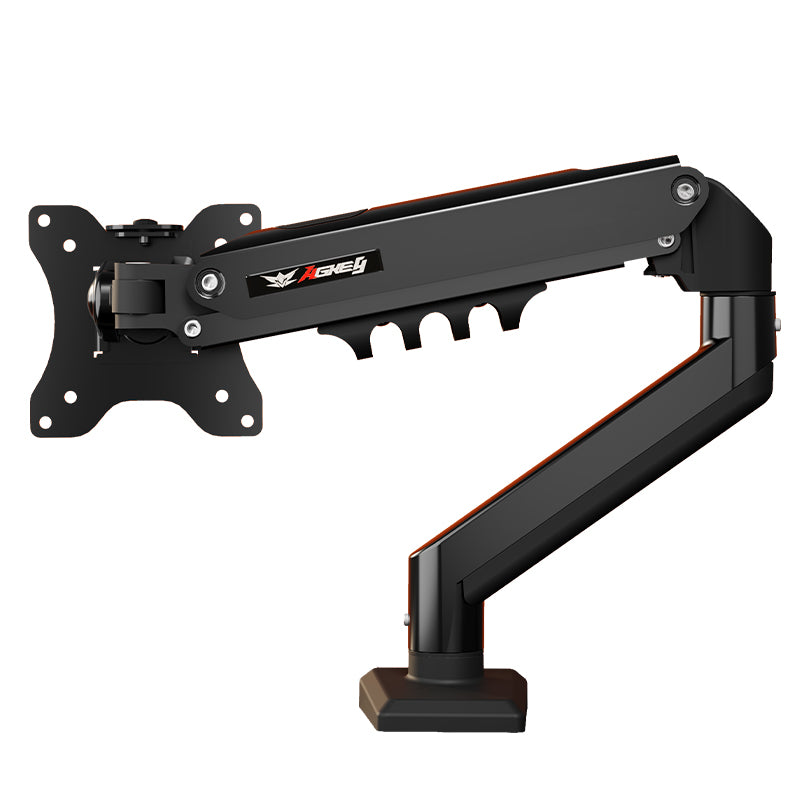
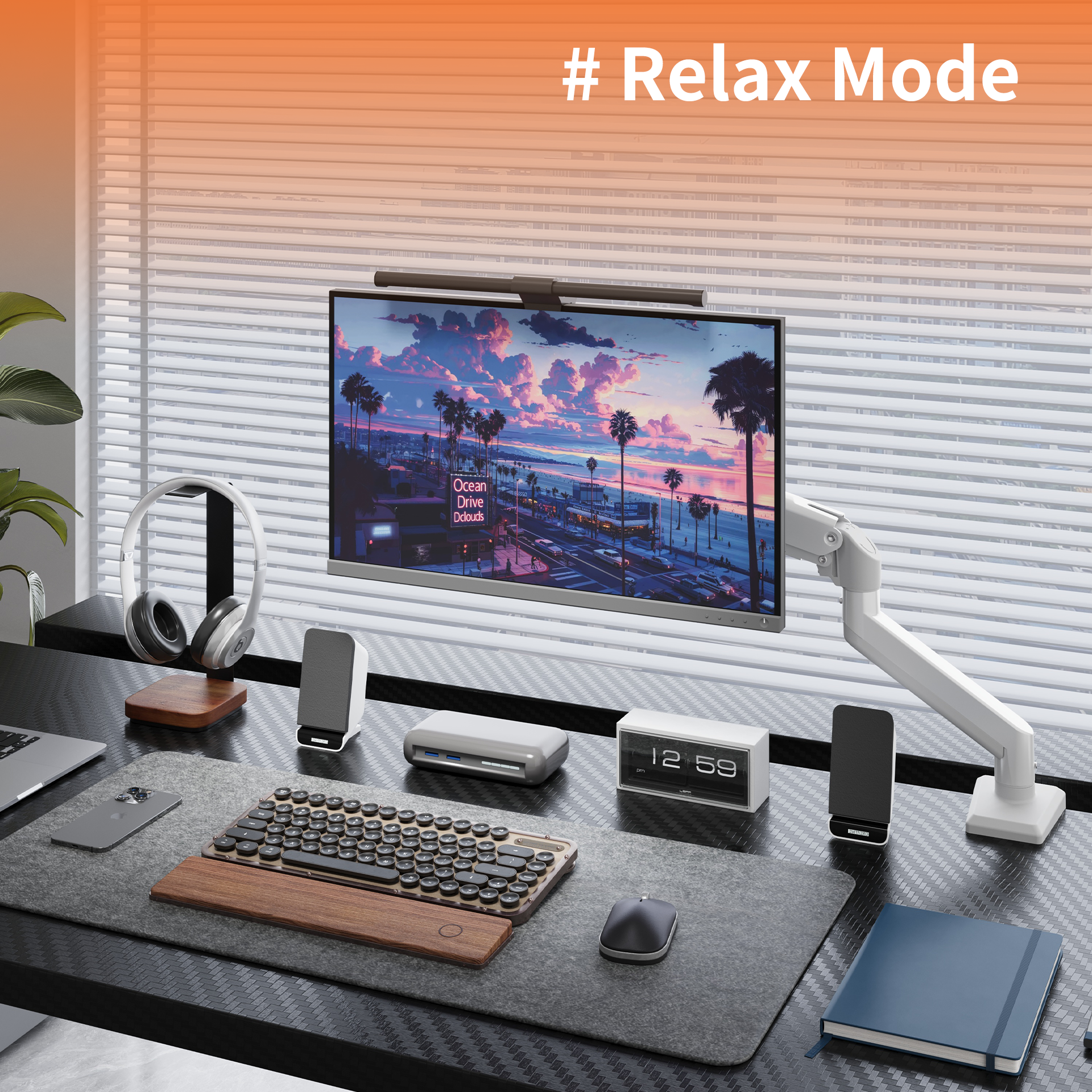
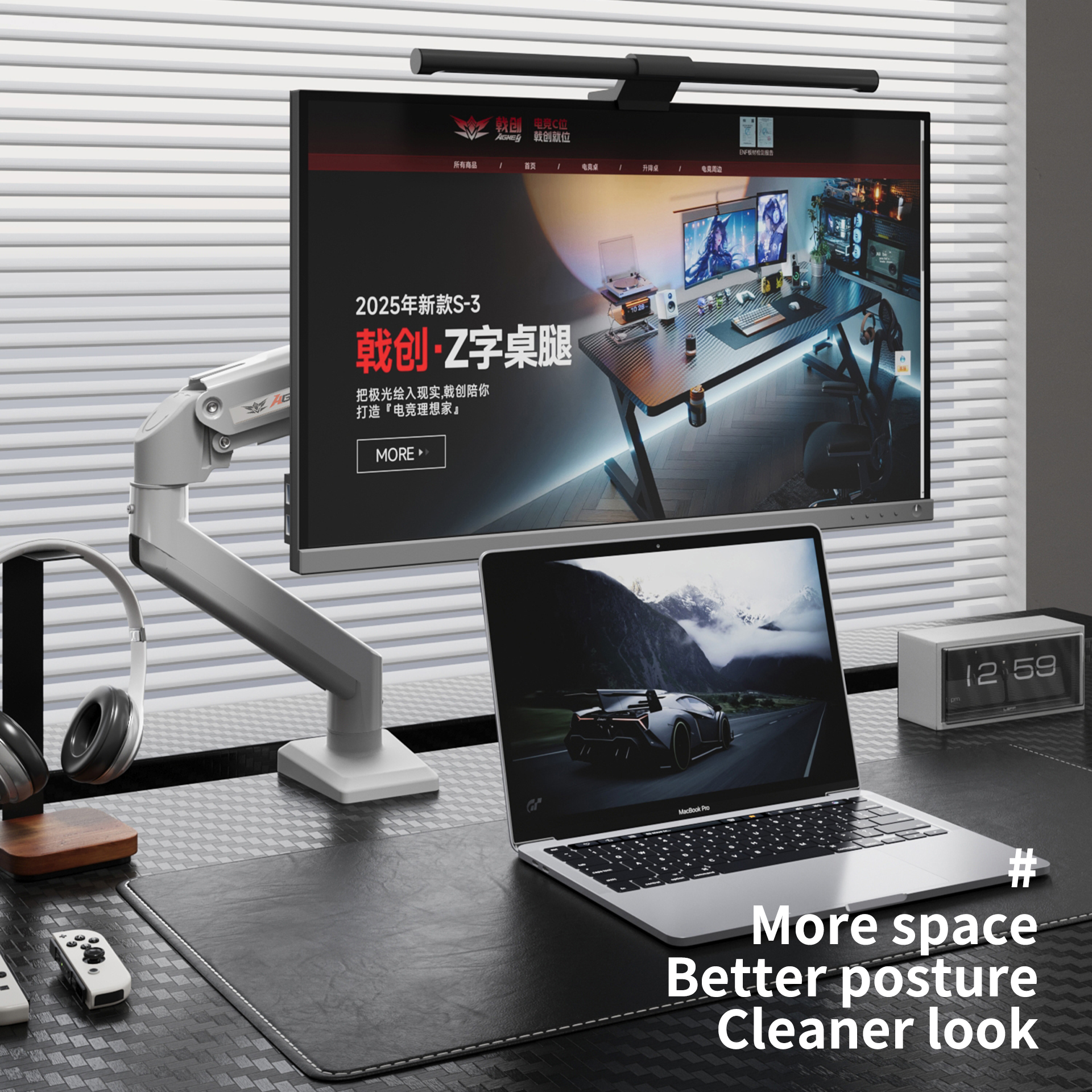
The AGKey M1 Monitor Arm helps lift your screen off the desktop, creating a cleaner and more ergonomic workspace. It is a practical upgrade for users who want better screen positioning, smoother adjustment, and more usable desk space.
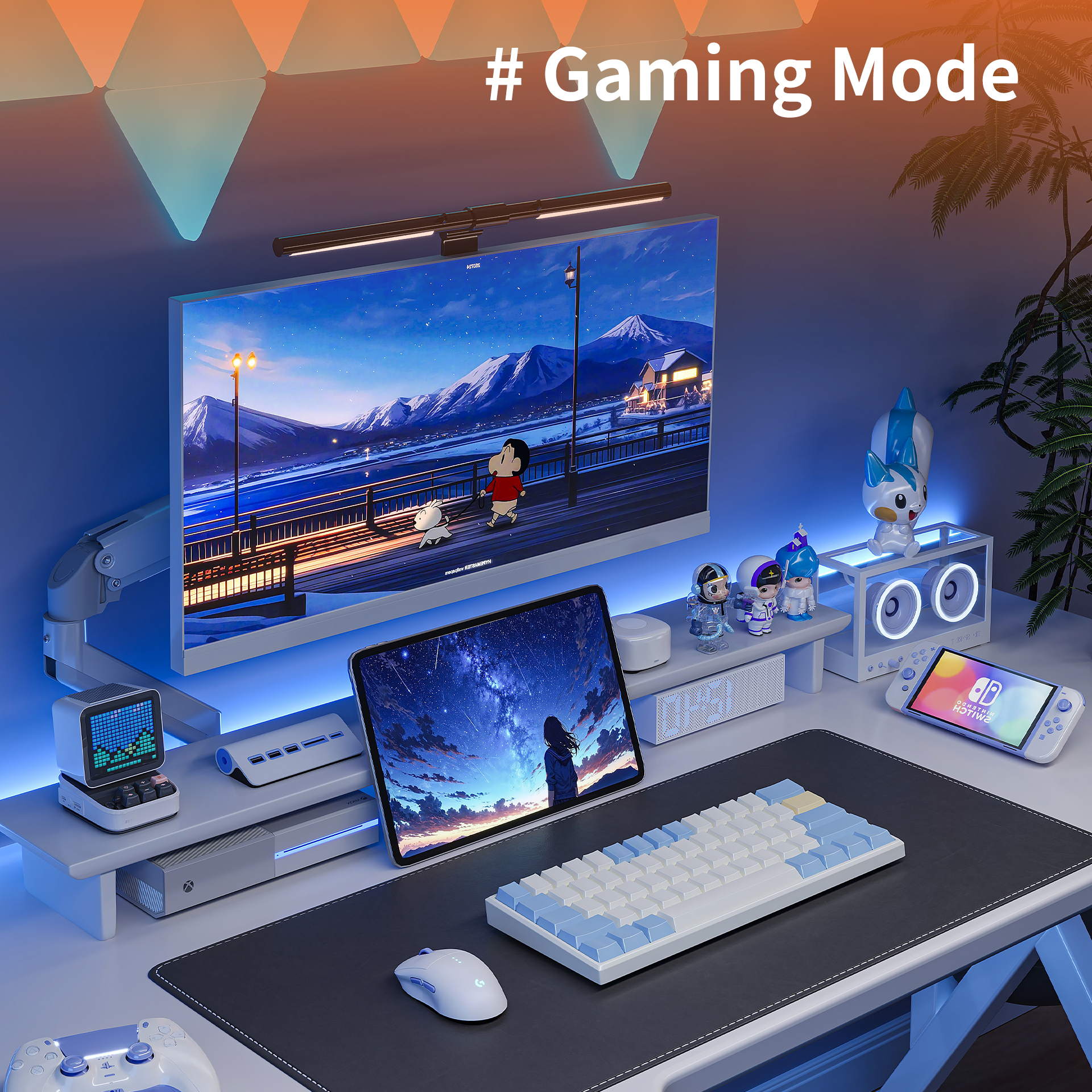
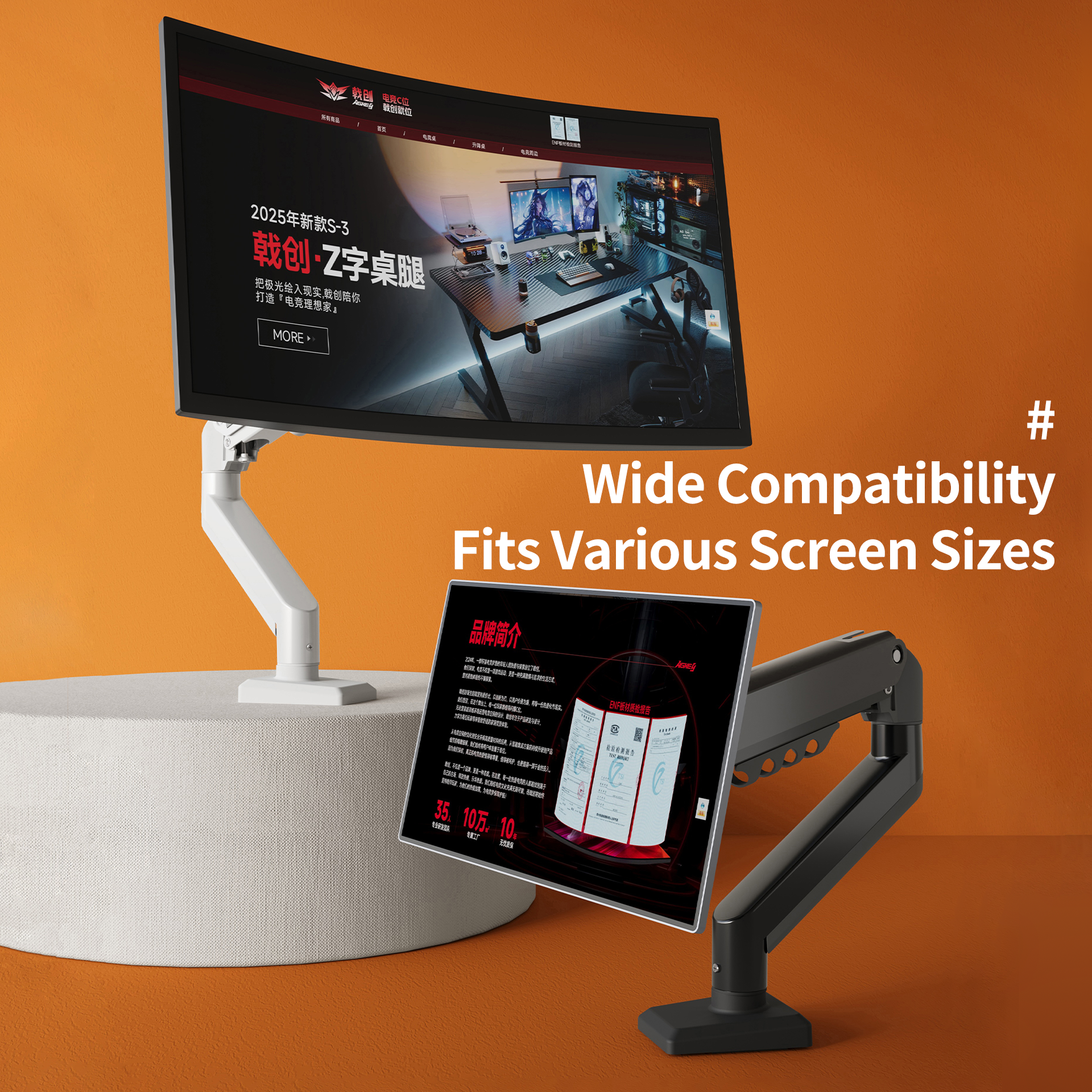
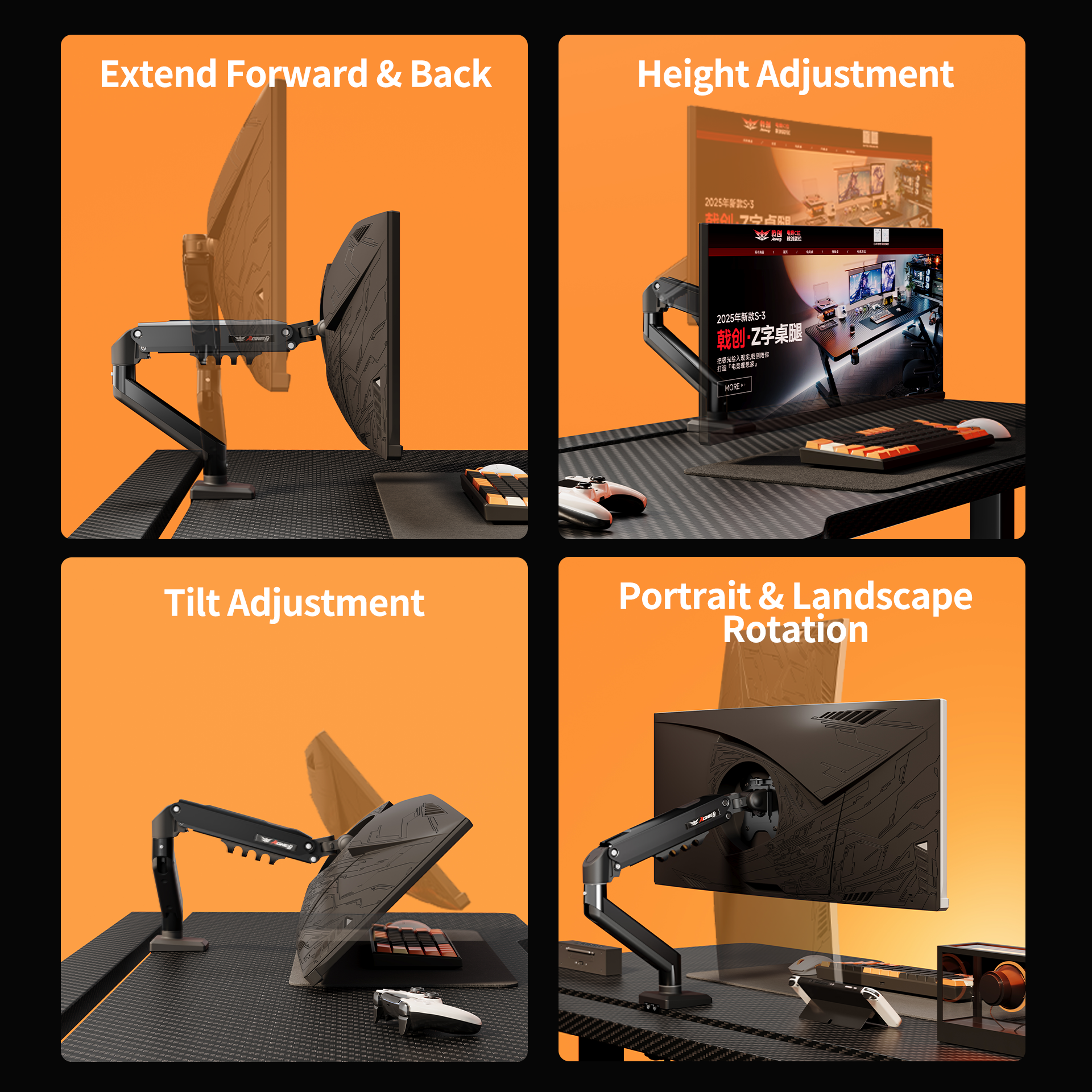
Designed for 15-32 inch monitors, the M1 supports both desk clamp and grommet mounting, with flexible tilt, swivel, and screen rotation for comfortable daily work, study, and gaming setups.
Key Specifications
- Brand: AGKey
- Model: AGKey M1
- Colour: Black
- Screen size: 15-32 inches
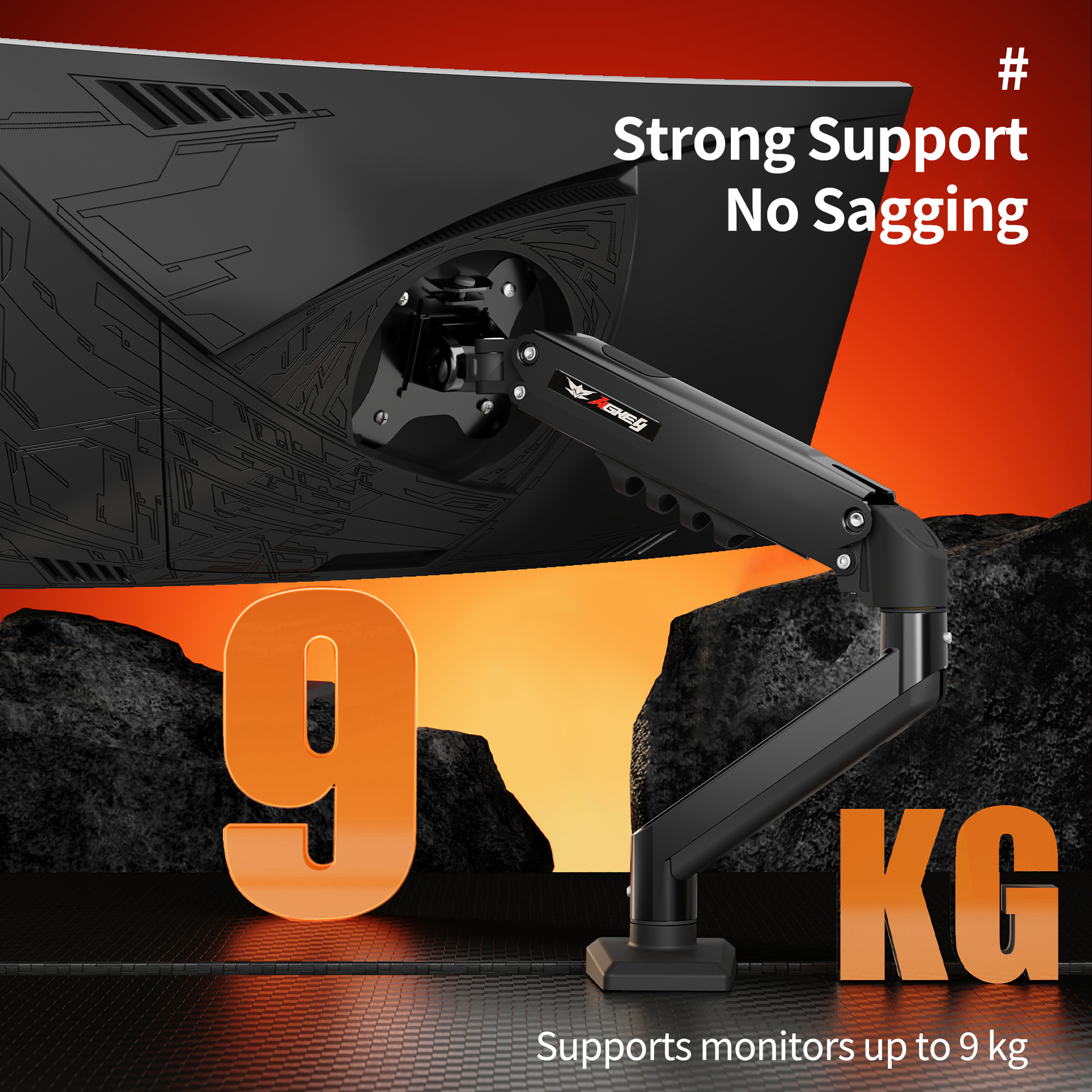
- Load capacity: up to 9 kg
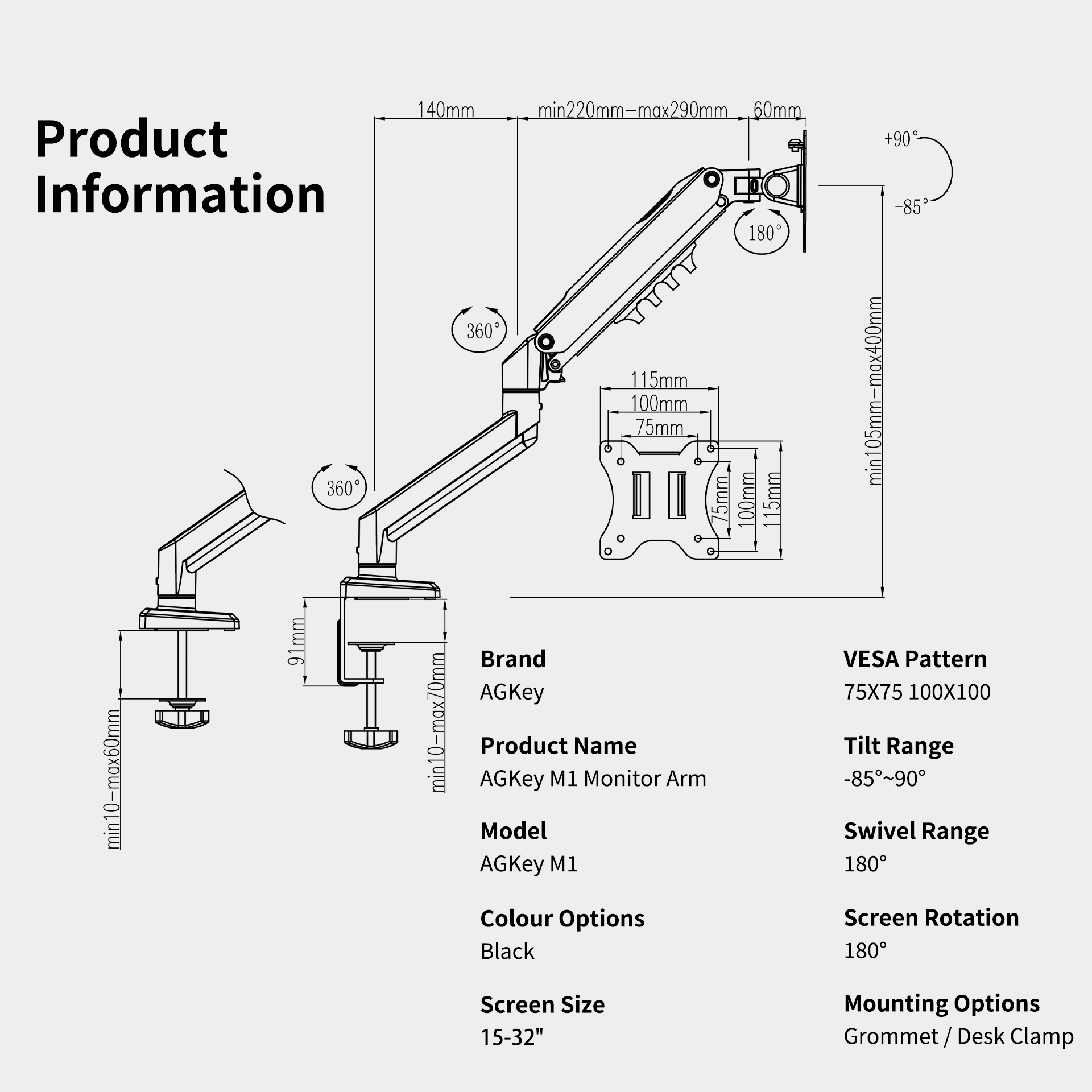
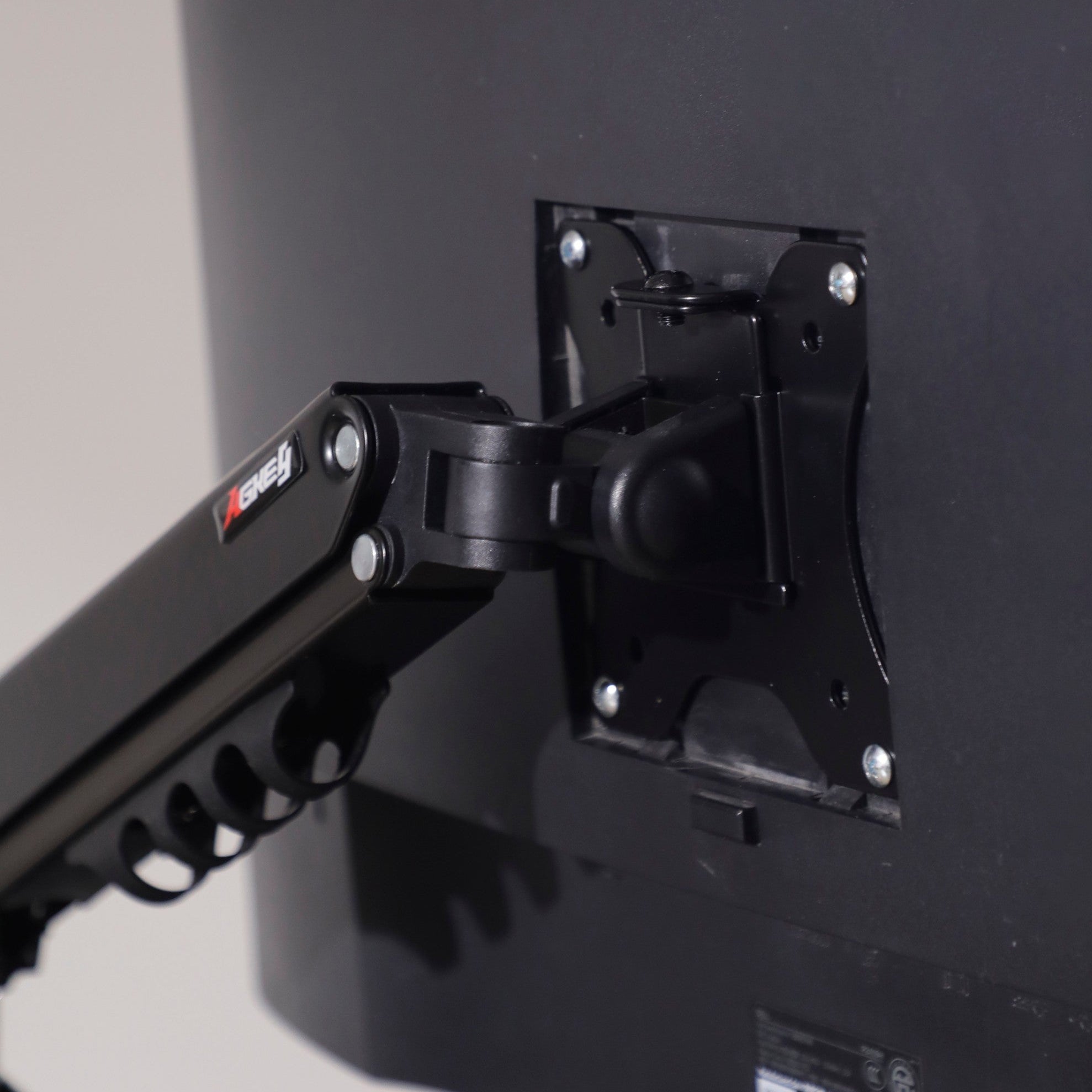
- VESA pattern: 75 x 75 mm / 100 x 100 mm
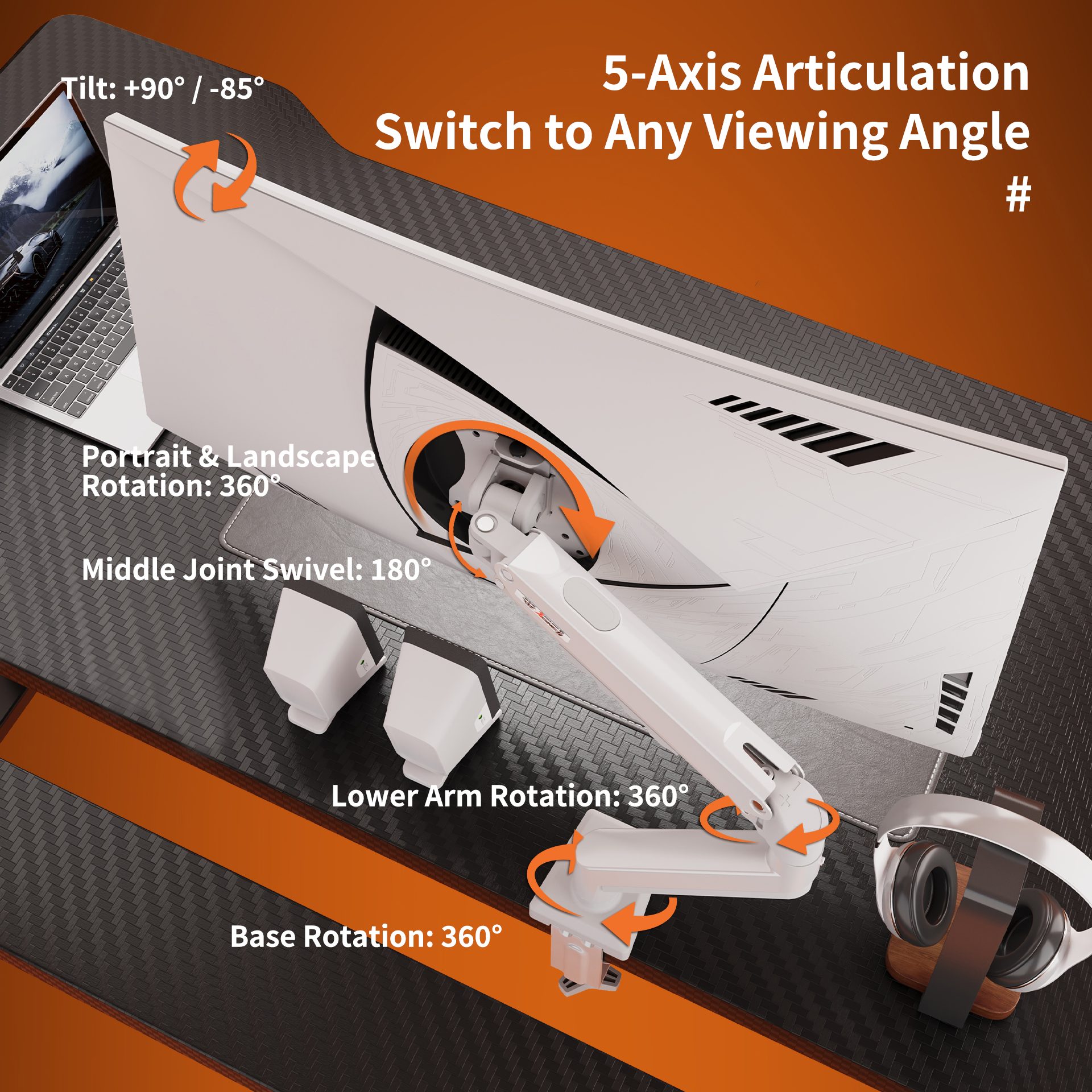
- Tilt range: -85 degrees to +90 degrees
- Swivel range: 180 degrees
- Screen rotation: 360 degrees (landscape / portrait)
- Height adjustment range: 105-400 mm
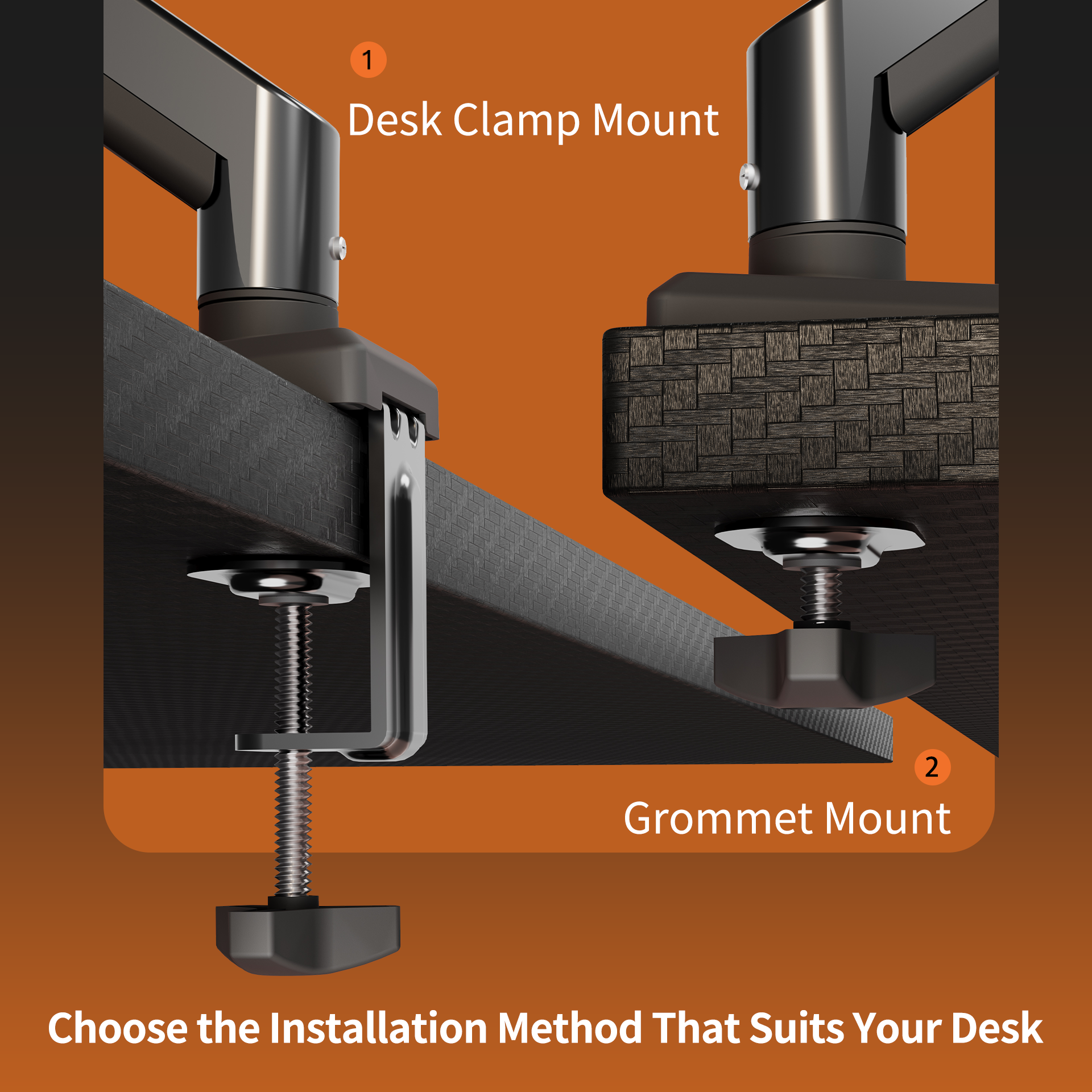
- Mounting options: grommet mount / desk clamp
- Compatible desktop thickness: 10-70 mm for clamp installation, 10-60 mm for grommet installation
- Recommended use: single monitor setup, home office, gaming desk, workstation
- Features: adjustable screen positioning, VESA-compatible mount, sturdy desk clamp, gas spring tension adjustment, space-saving design
Package Information
- Package size: 41 x 21.5 x 10 cm
- Gross weight: 2.6 kg
What's Included
- Monitor arm
- Desk clamp mount and grommet mounting parts
- VESA mounting hardware
- Adjustment tool
- Hardware kit and assembly guide
Care & Notes
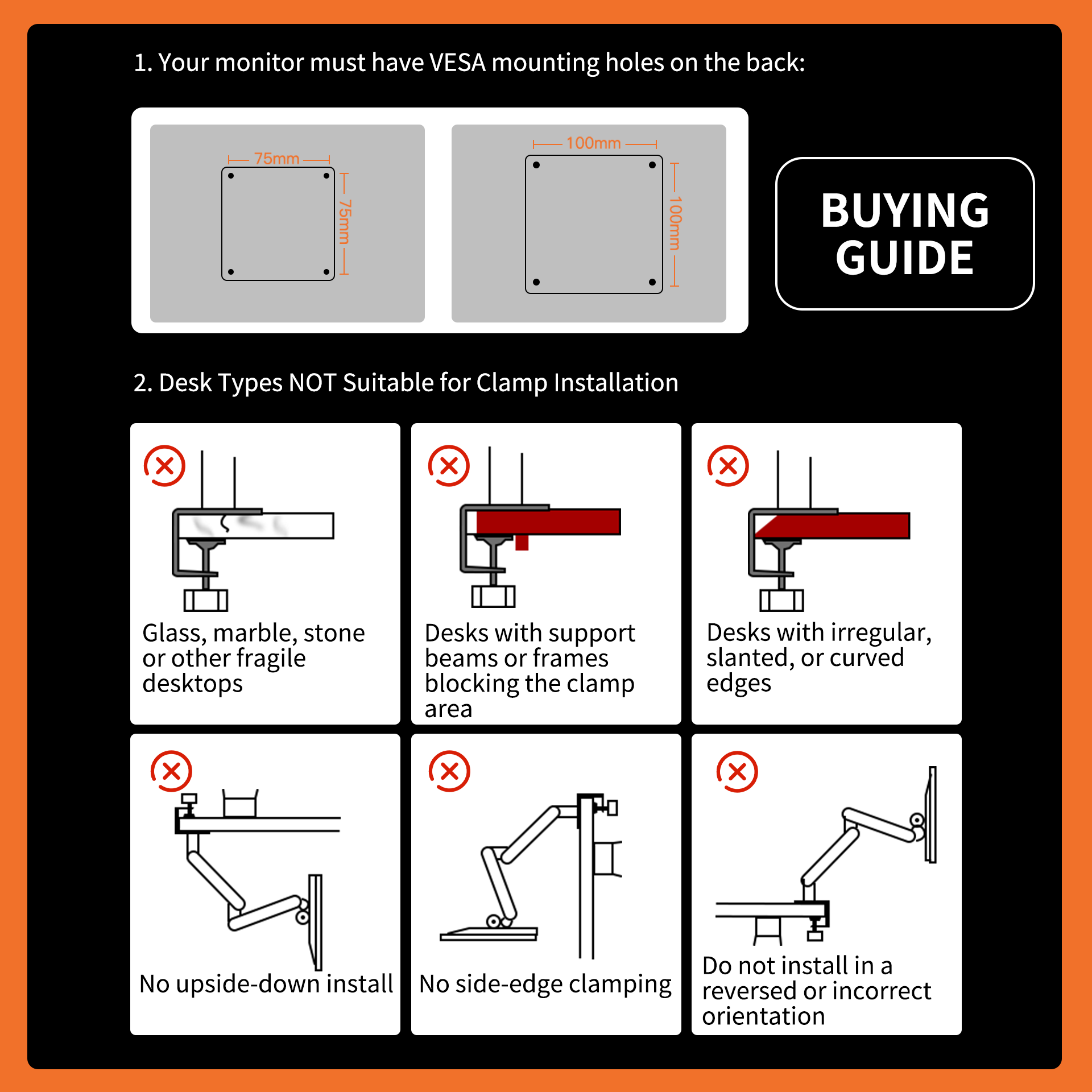
- Please confirm your monitor has 75 x 75 mm or 100 x 100 mm VESA mounting holes before purchase.
- Do not install on glass, marble, stone, fragile desktops, irregular edges, slanted edges, curved edges, or desk areas blocked by support beams or frames.
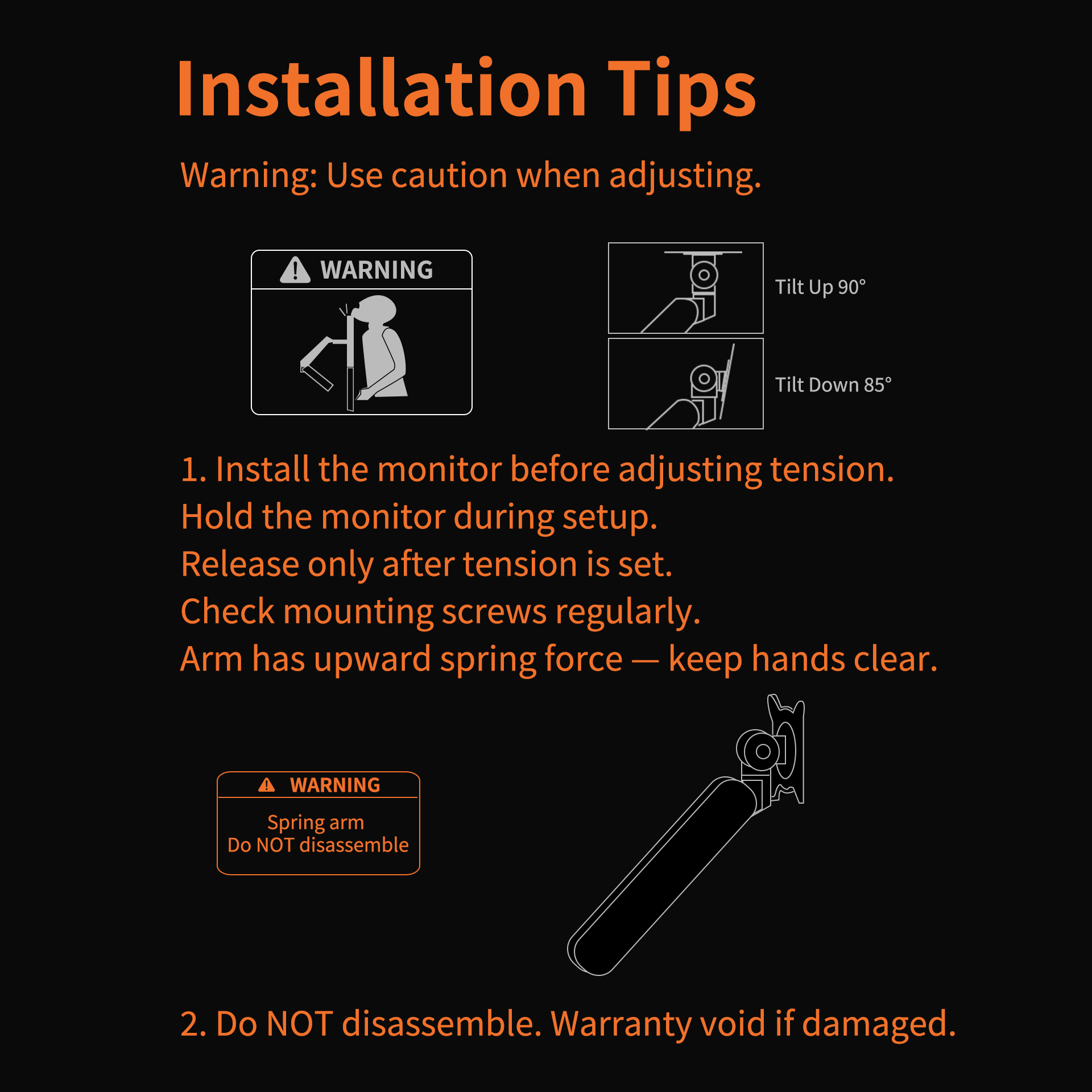
- Install the monitor before adjusting arm tension. Hold the monitor during setup and release only after the tension is set.
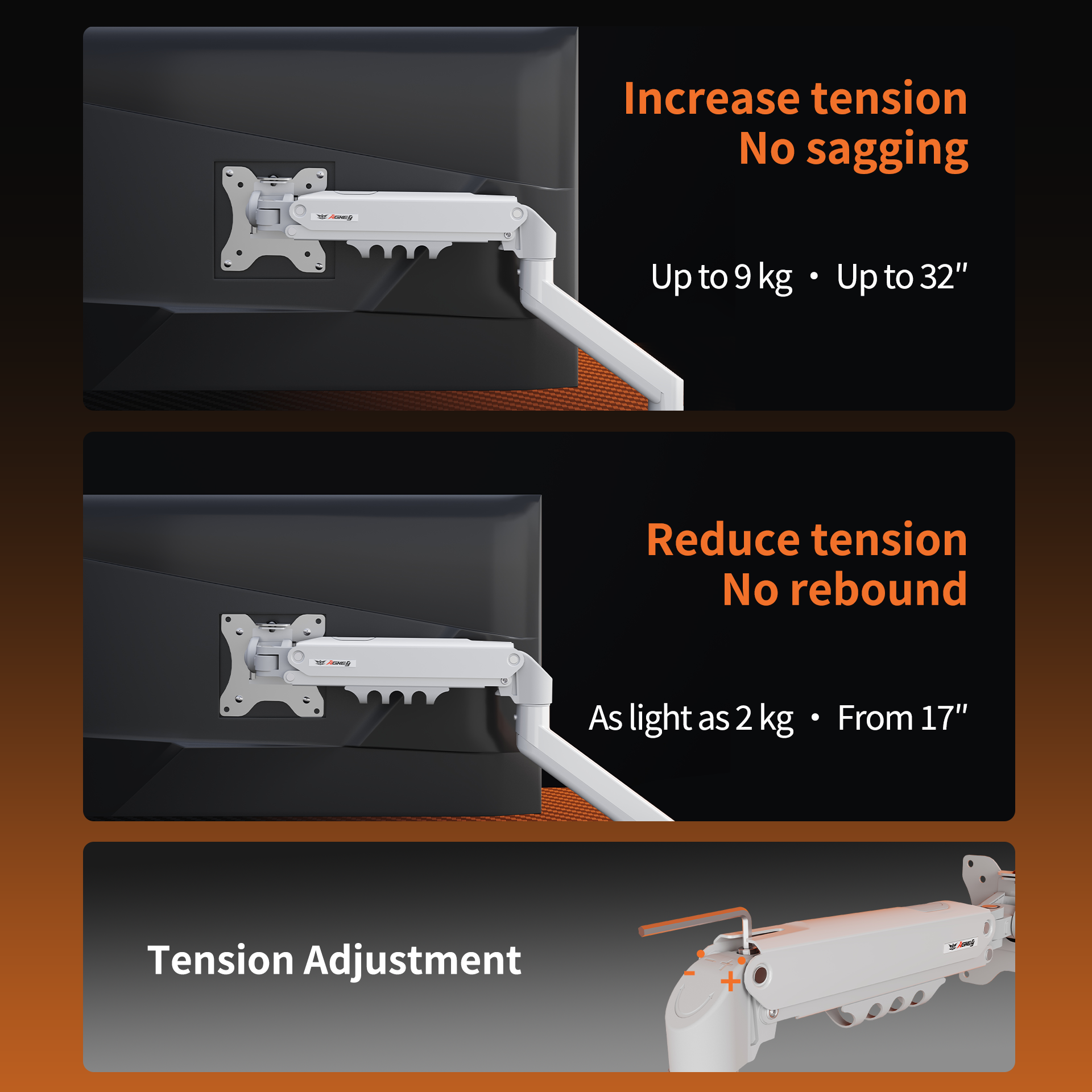
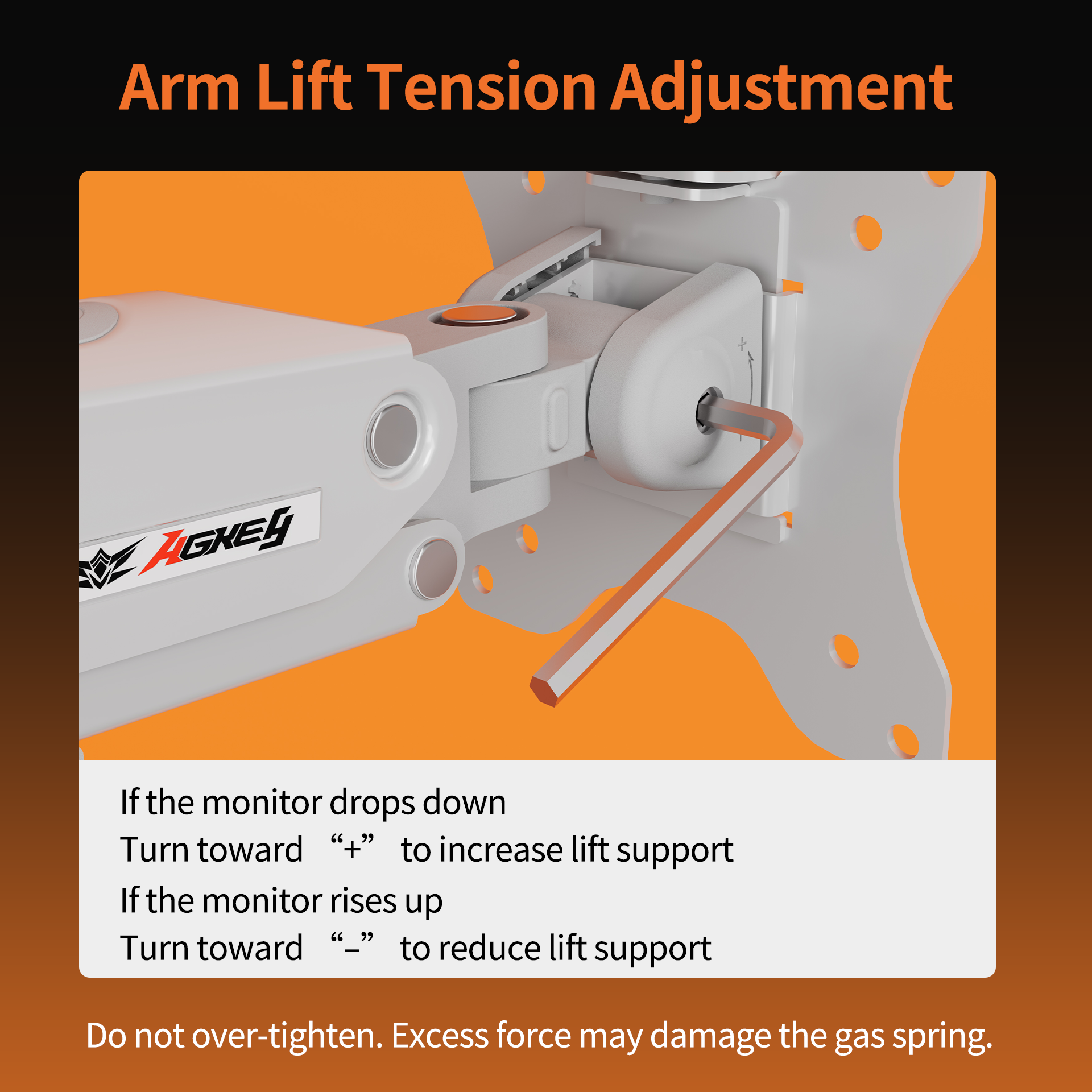
- If the monitor drops down, turn the tension screw toward "+" to increase lift support. If the monitor rises up, turn toward "-" to reduce lift support.
- Do not over-tighten the tension screw. Excess force may damage the gas spring.
- Do not disassemble the spring arm. Warranty may be void if the arm is damaged by disassembly.
- Check mounting screws regularly, especially if the monitor position is adjusted often.
Couldn't load pickup availability
Pickup available at Melbourne Warehouse
Usually ready in 2-4 daysPairs well with
In stock! Ships within 1-2 business days.
Australian Consumer Law protection
2-Year Warranty
Free metro shipping
(Pre-order) M1 Monitor Arm - Black
If you have any questions, you are always welcome to contact us. We'll get back to you as soon as possible, within 24 hours on weekdays.
-
Shipping Information
Use this text to answer questions in as much detail as possible for your customers.
-
Customer Support
Use this text to answer questions in as much detail as possible for your customers.
-
FAQ’s
Use this text to answer questions in as much detail as possible for your customers.
-
Contact Us
Use this text to answer questions in as much detail as possible for your customers.
Master Your Space
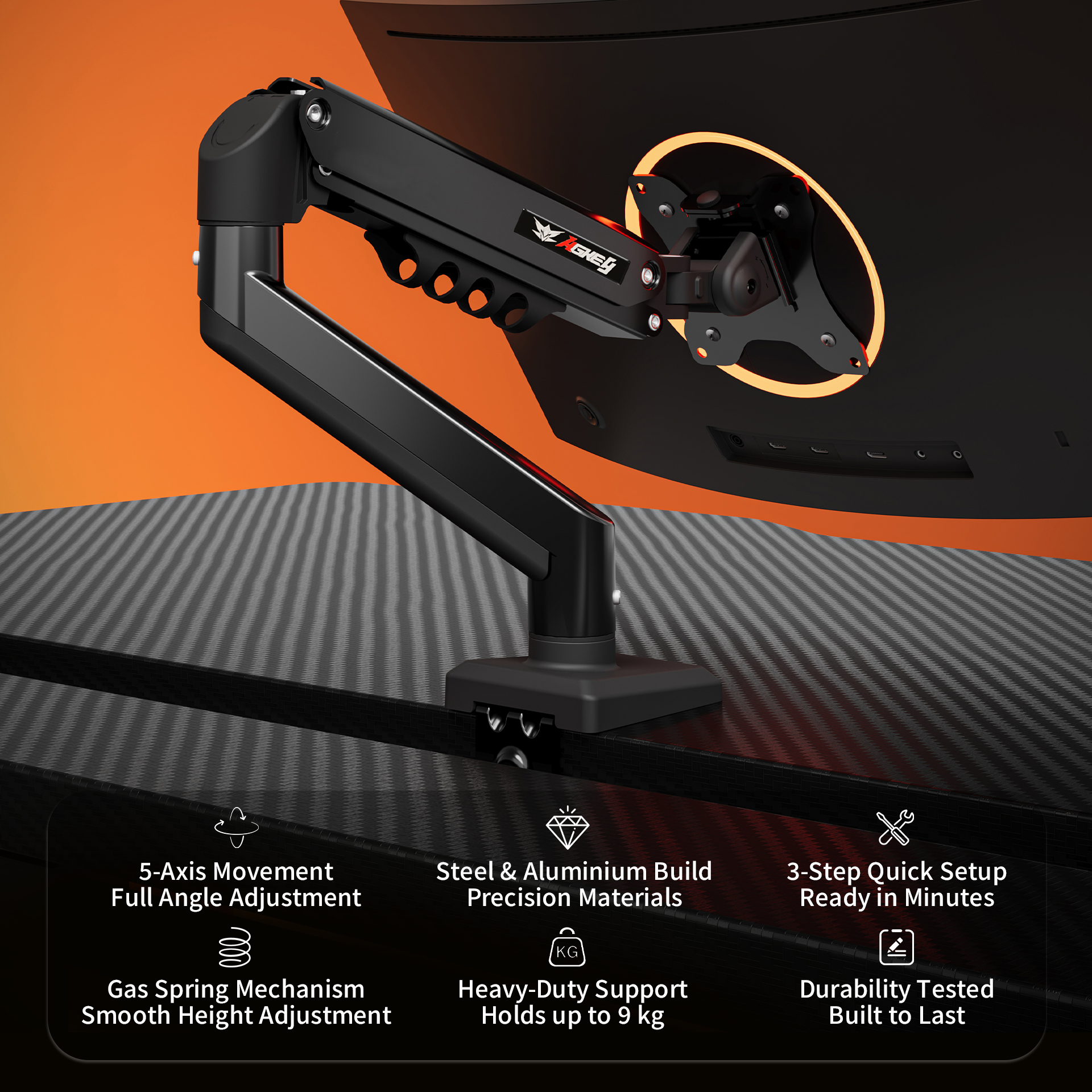
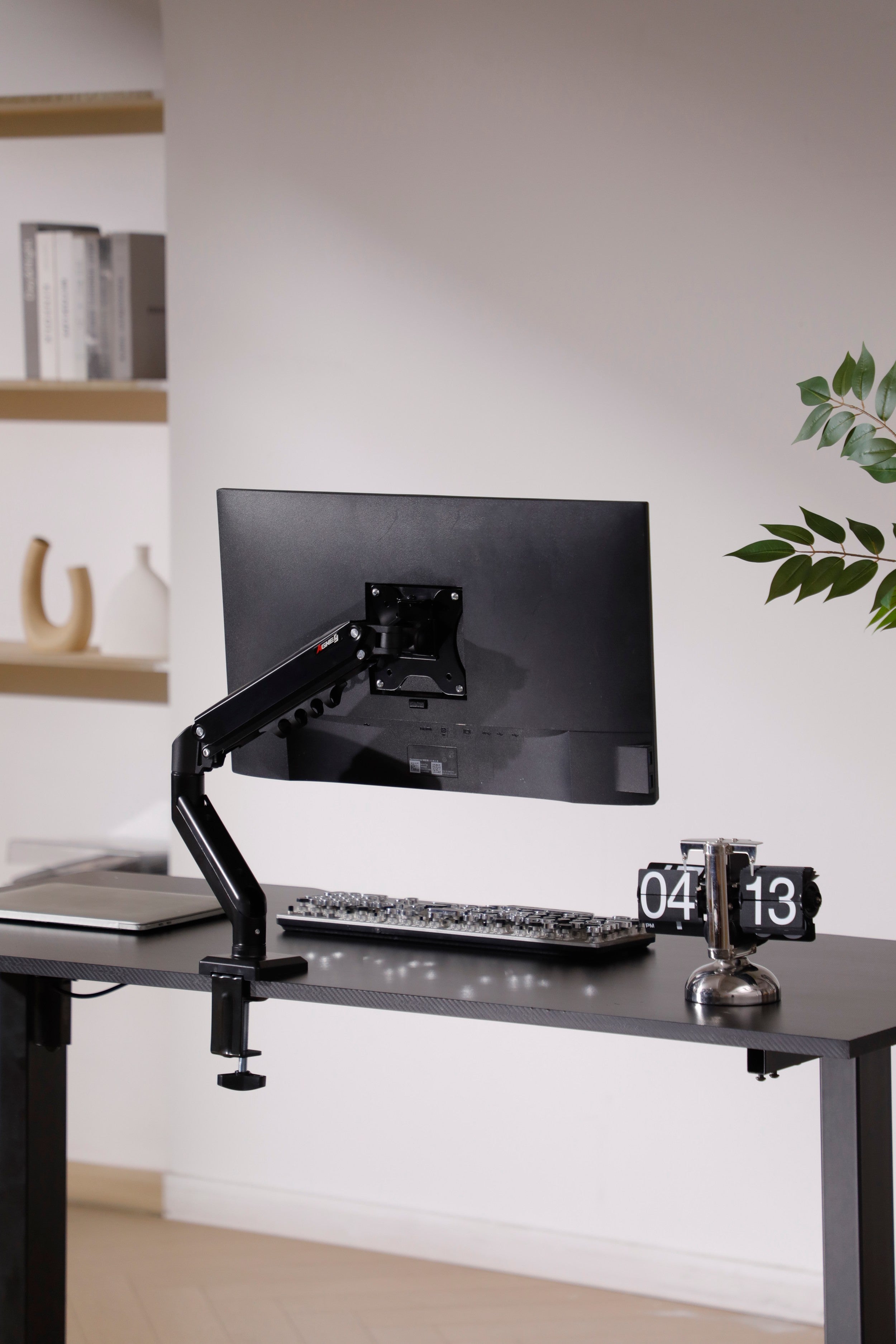
Reclaim your desk and elevate your vision. The AGKey M1 features a high-performance gas spring system and 5-axis articulation, precision-engineered to provide a smoother, healthier, and more professional workspace.
Free metro shipping
Product details
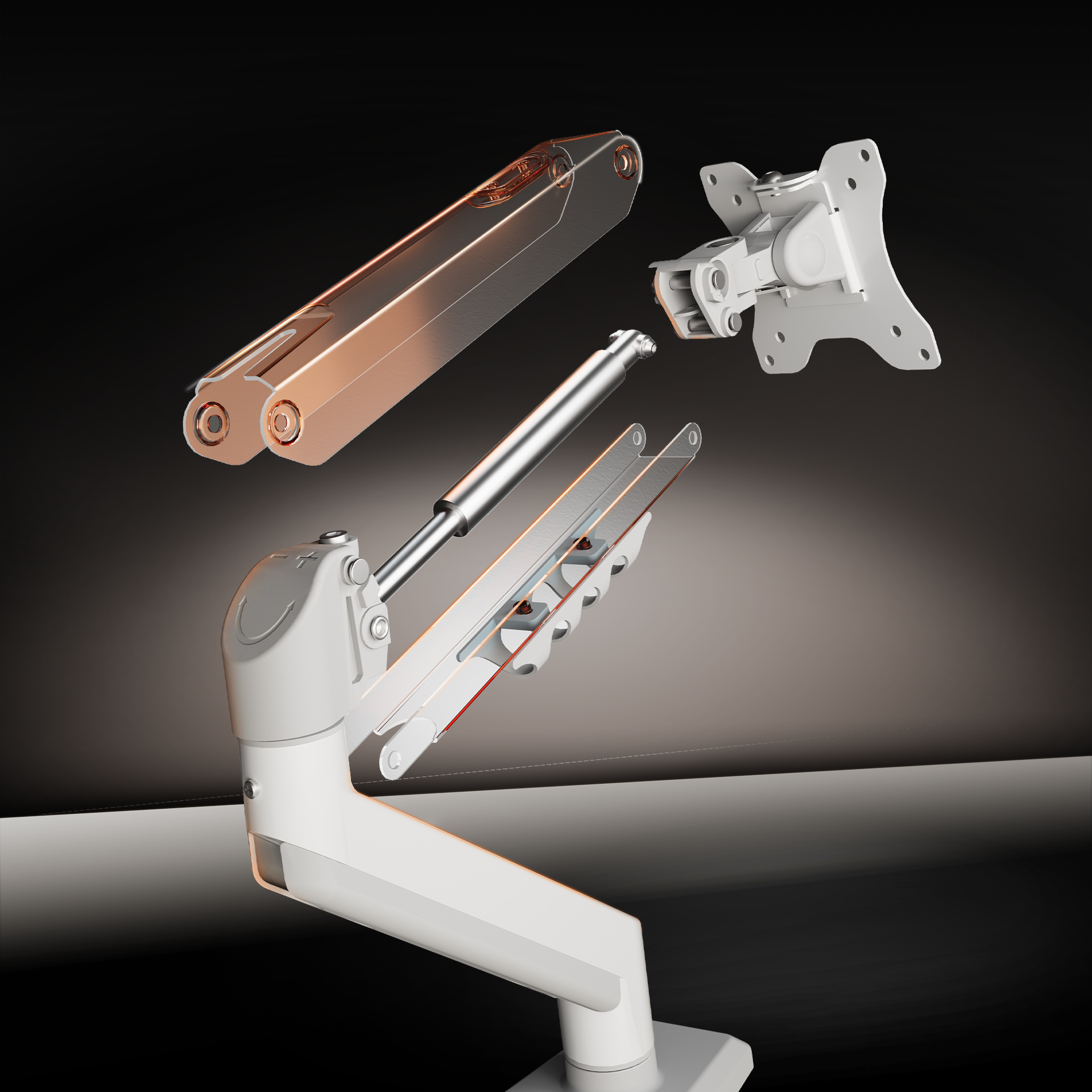
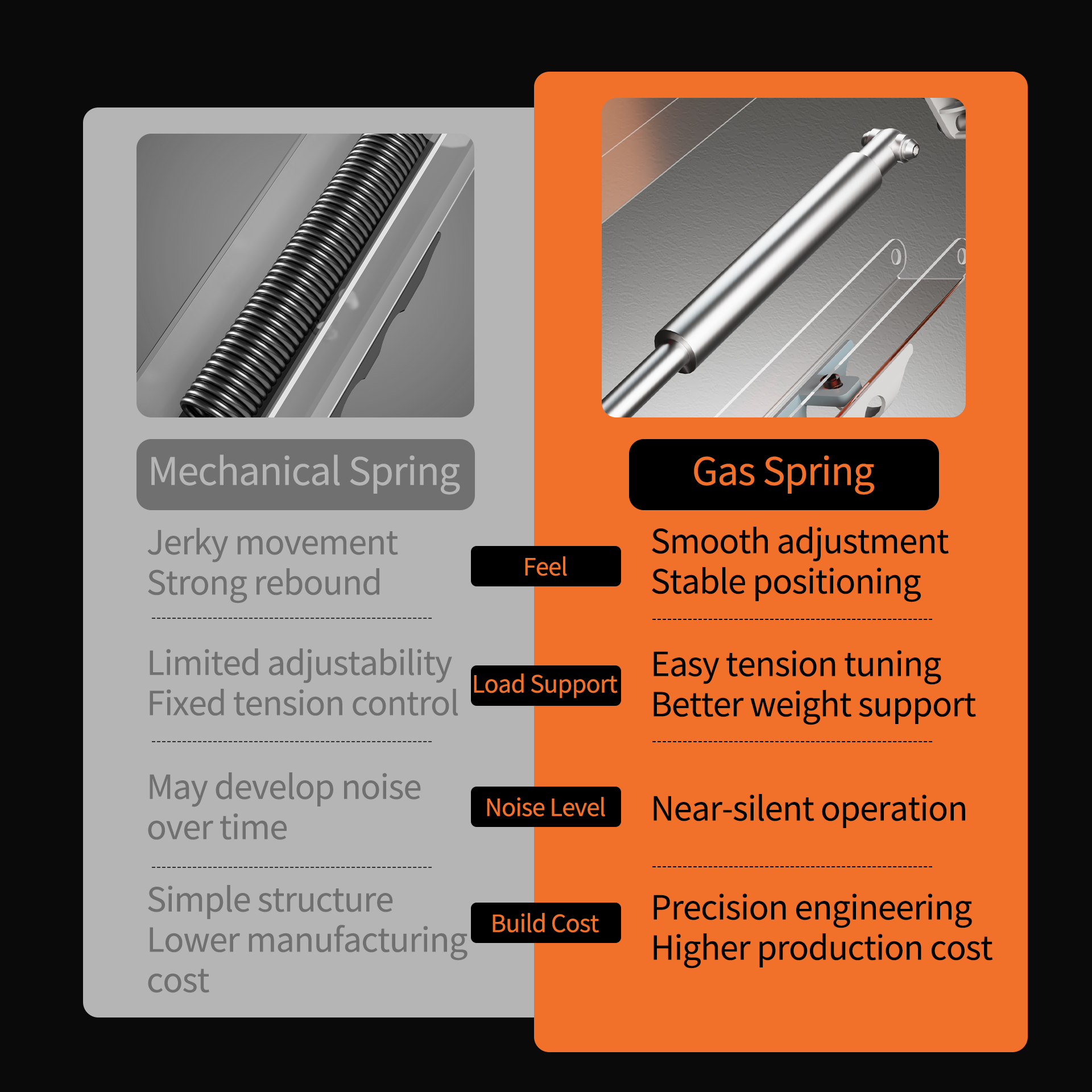
Ultra-Smooth Gas Spring Tension
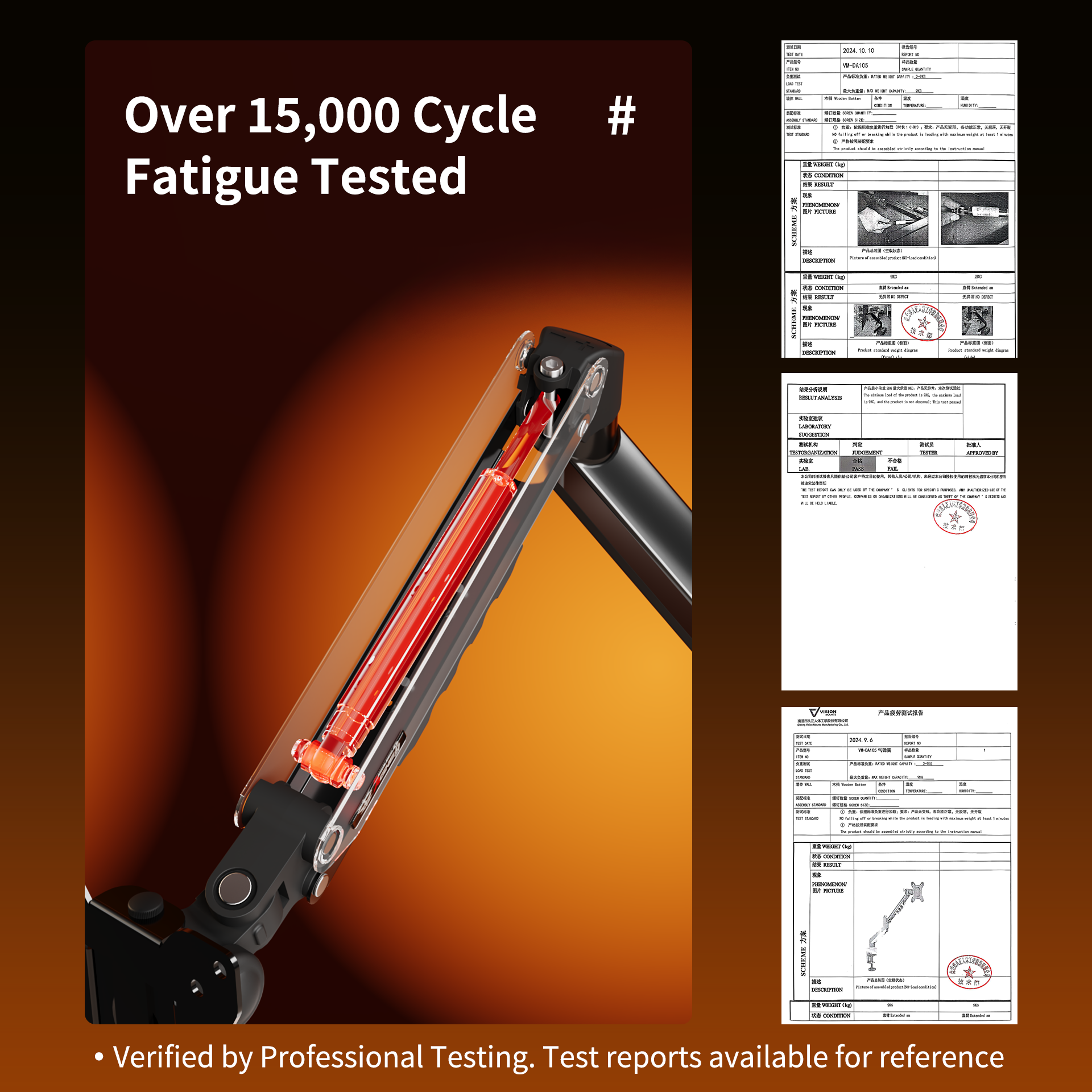
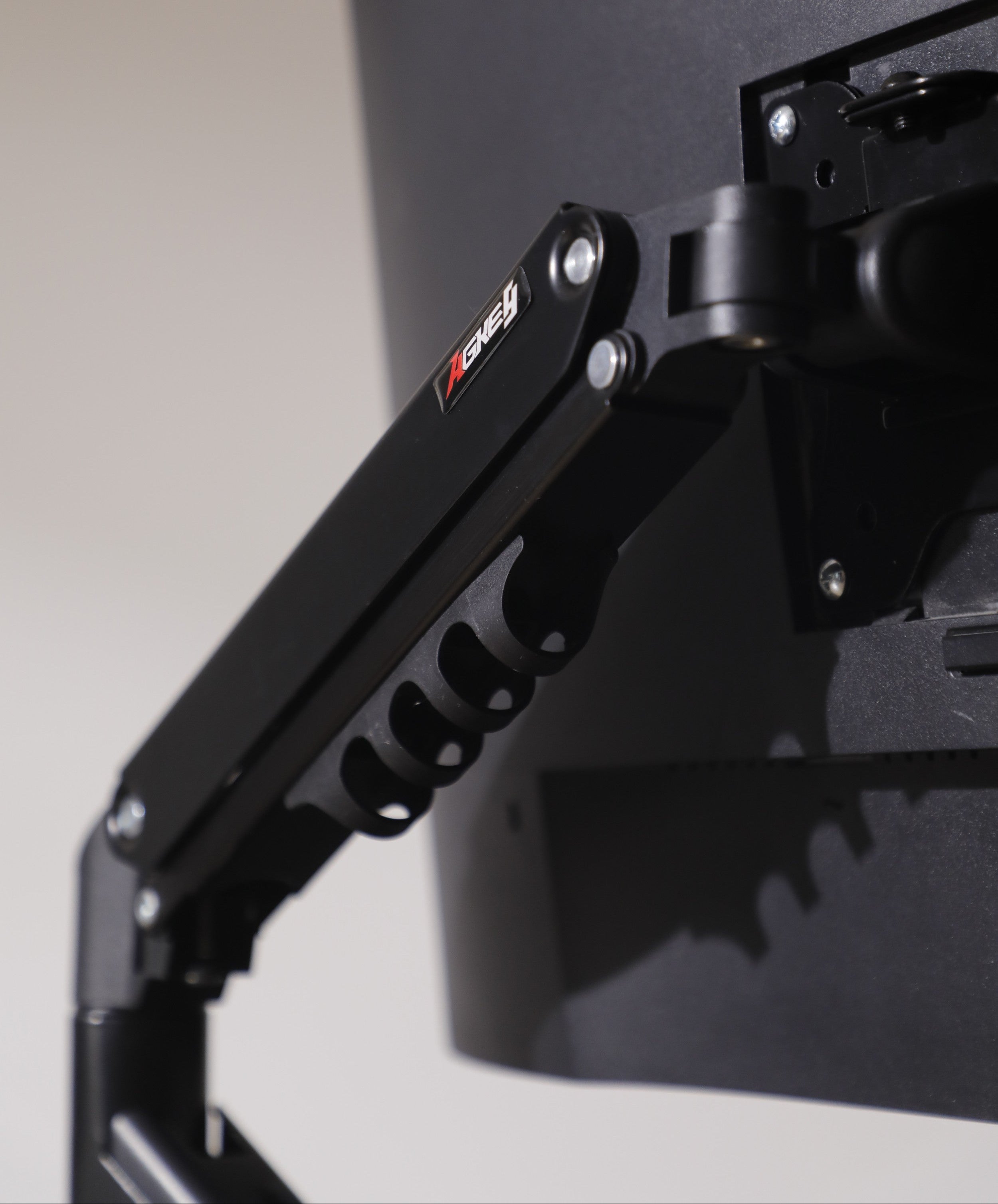
Experience effortless height adjustment with our premium gas spring system. Tested for over 15,000 cycles, it allows you to reposition your monitor with a single touch—hovering exactly where you need it without drifting or sagging.
Ultimate Ergonomic Flexibility
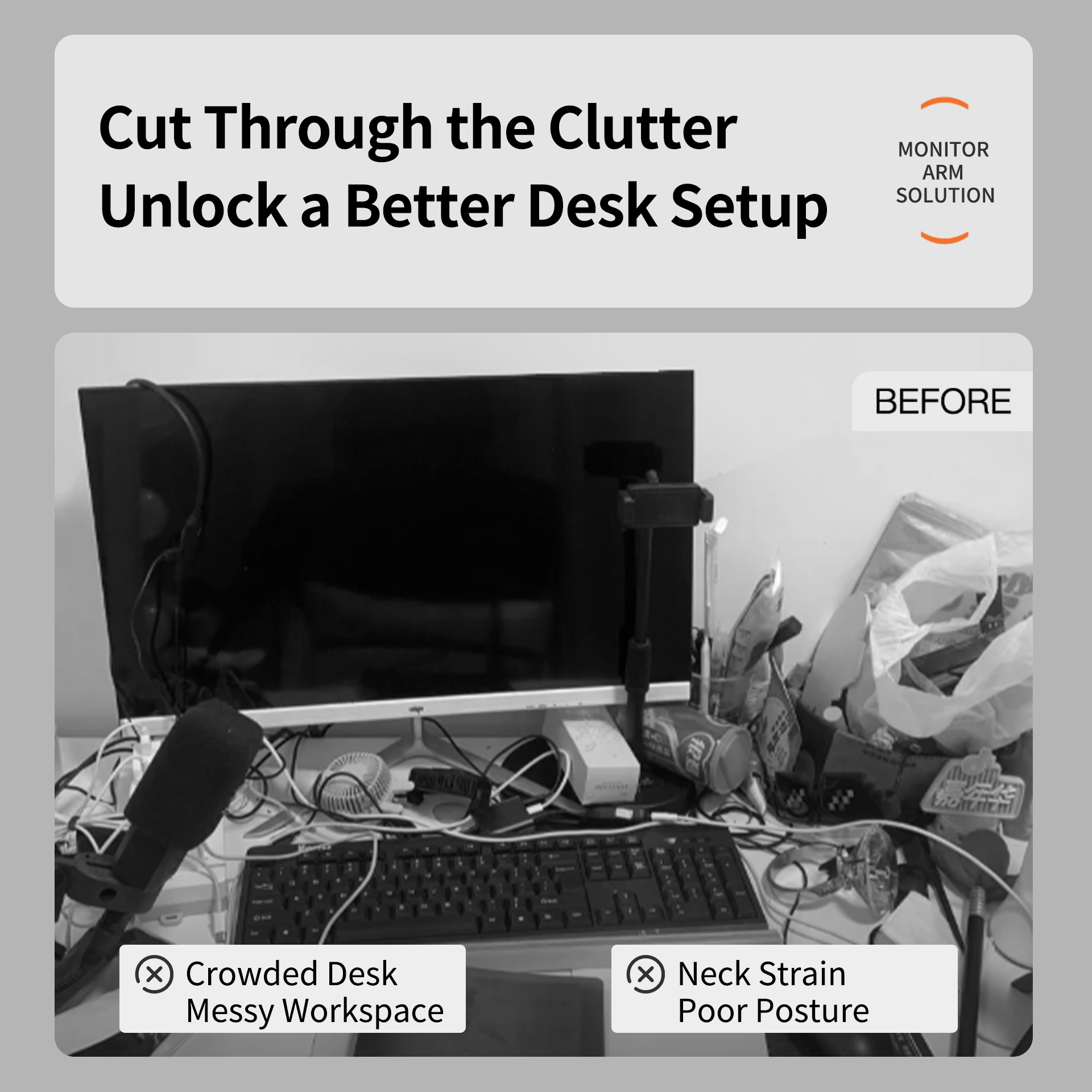
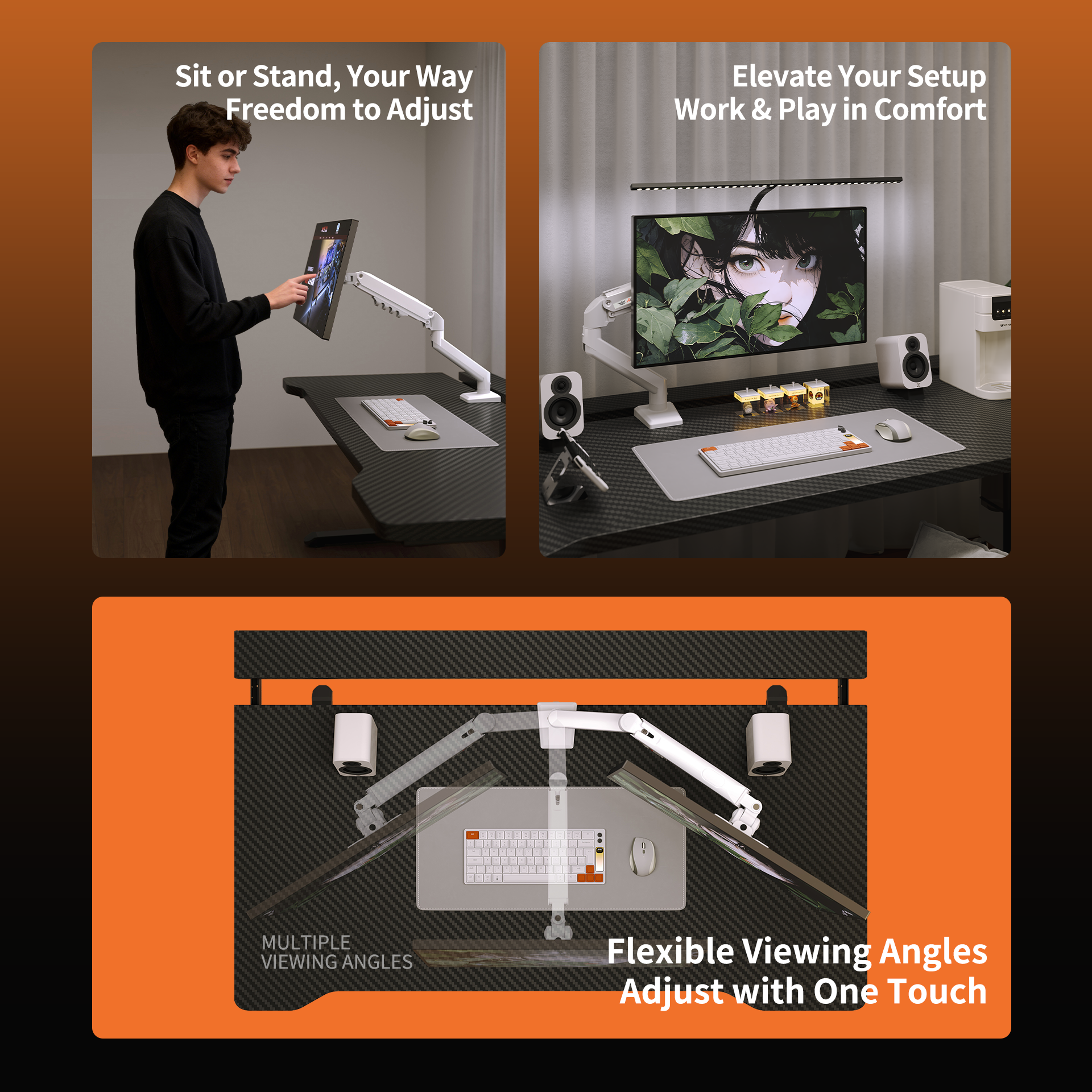
Find your perfect viewing angle with 5-axis articulation. Featuring +90°/-85° tilt, 180° swivel, and 360° rotation, the M1 supports both landscape and portrait orientations, helping you reduce neck strain and maintain better posture.
Rock-Solid Stability (Up to 9kg)
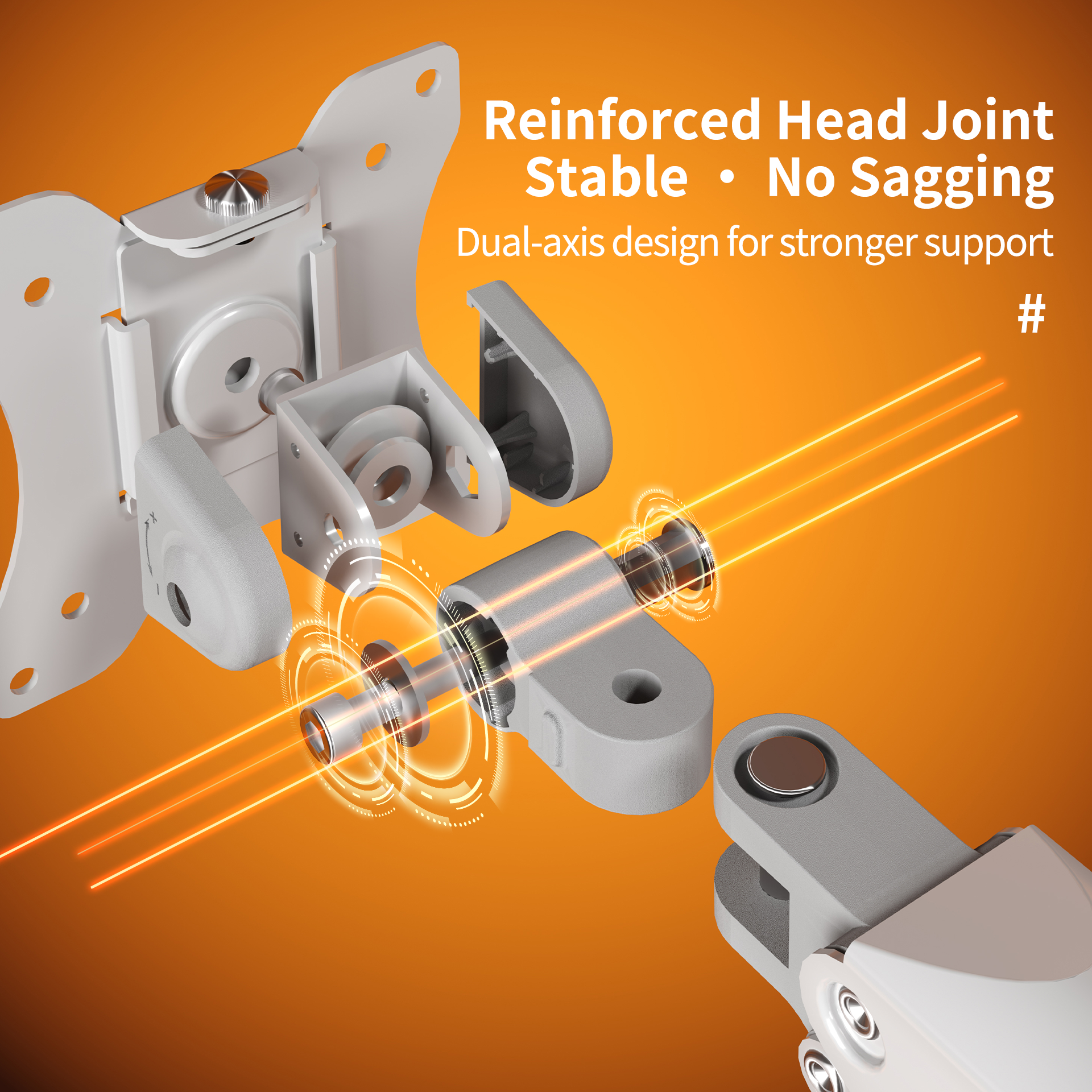
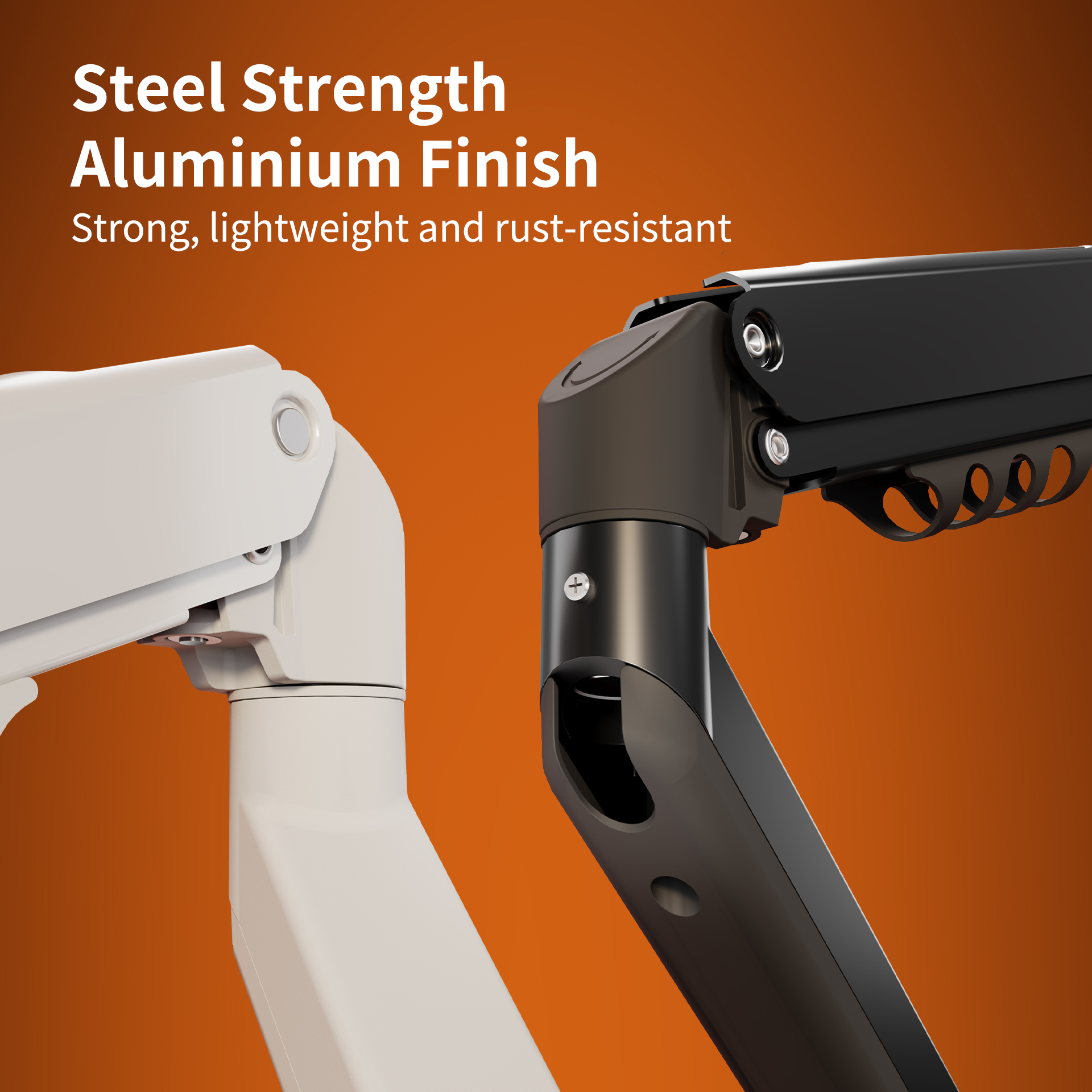
Crafted from automotive-grade cold-rolled steel and lightweight aluminium, the M1 is built for strength. The reinforced head joint ensures your 15"-32" monitor stays secure and steady, even at full extension.
Tool-Free Setup & Zero Clutter
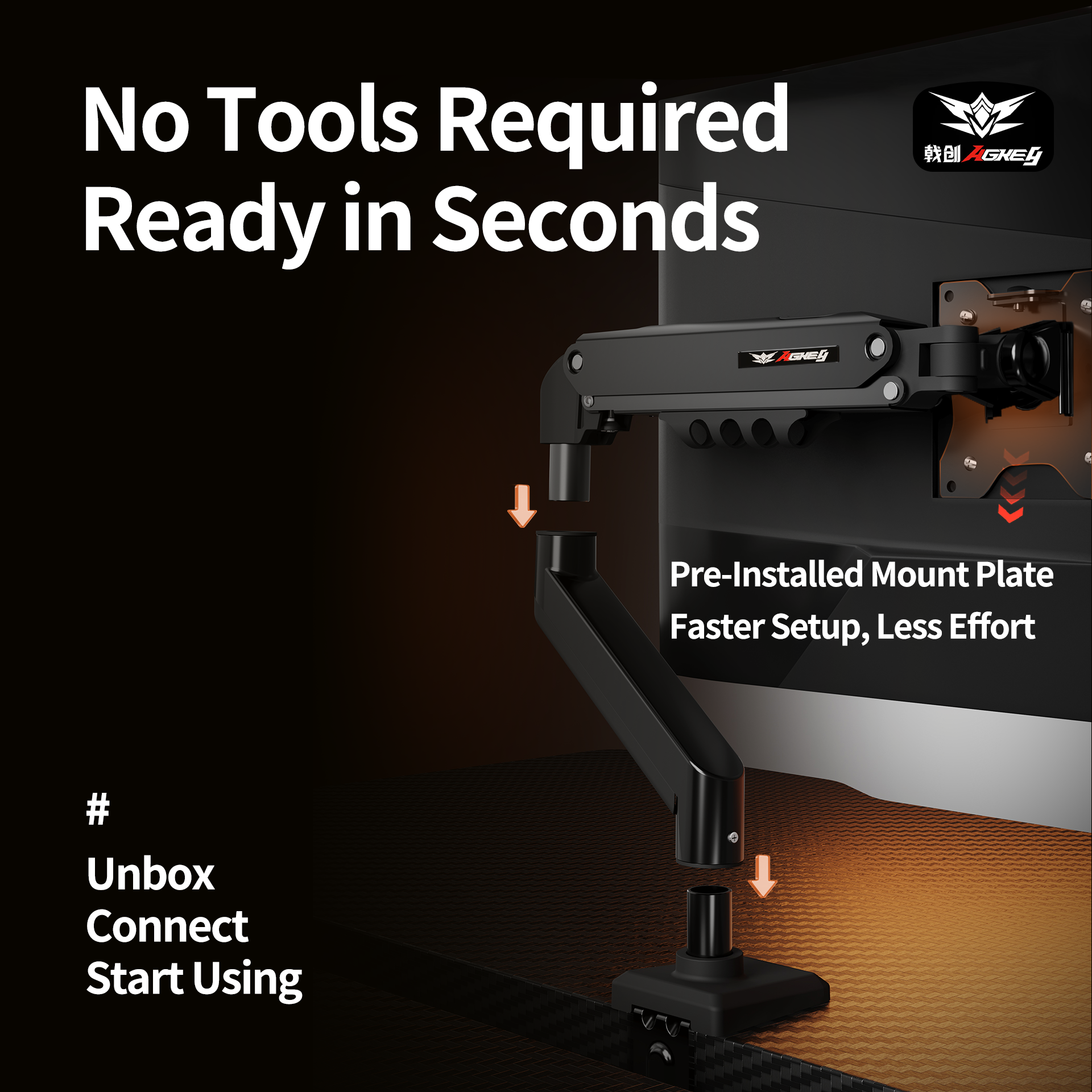
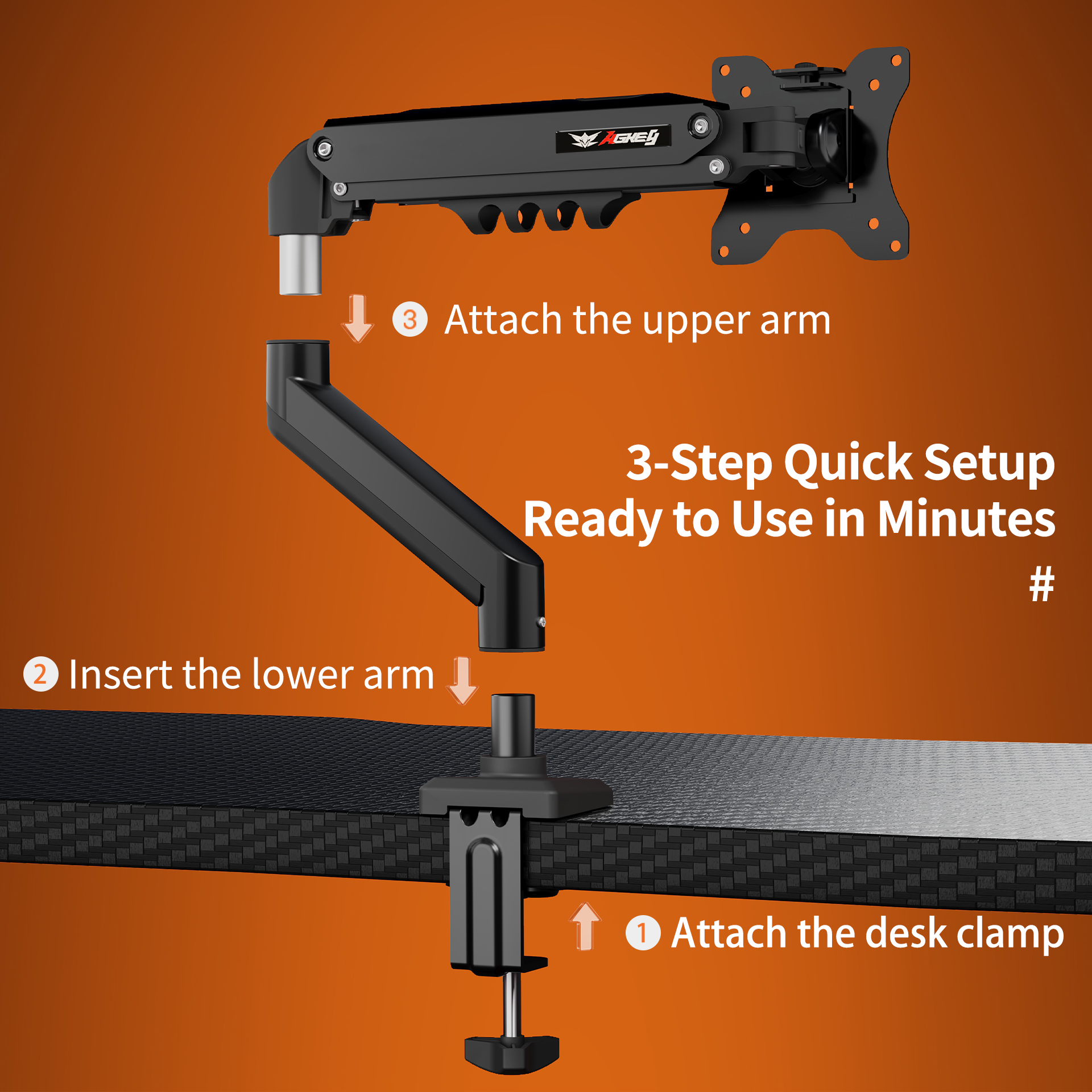
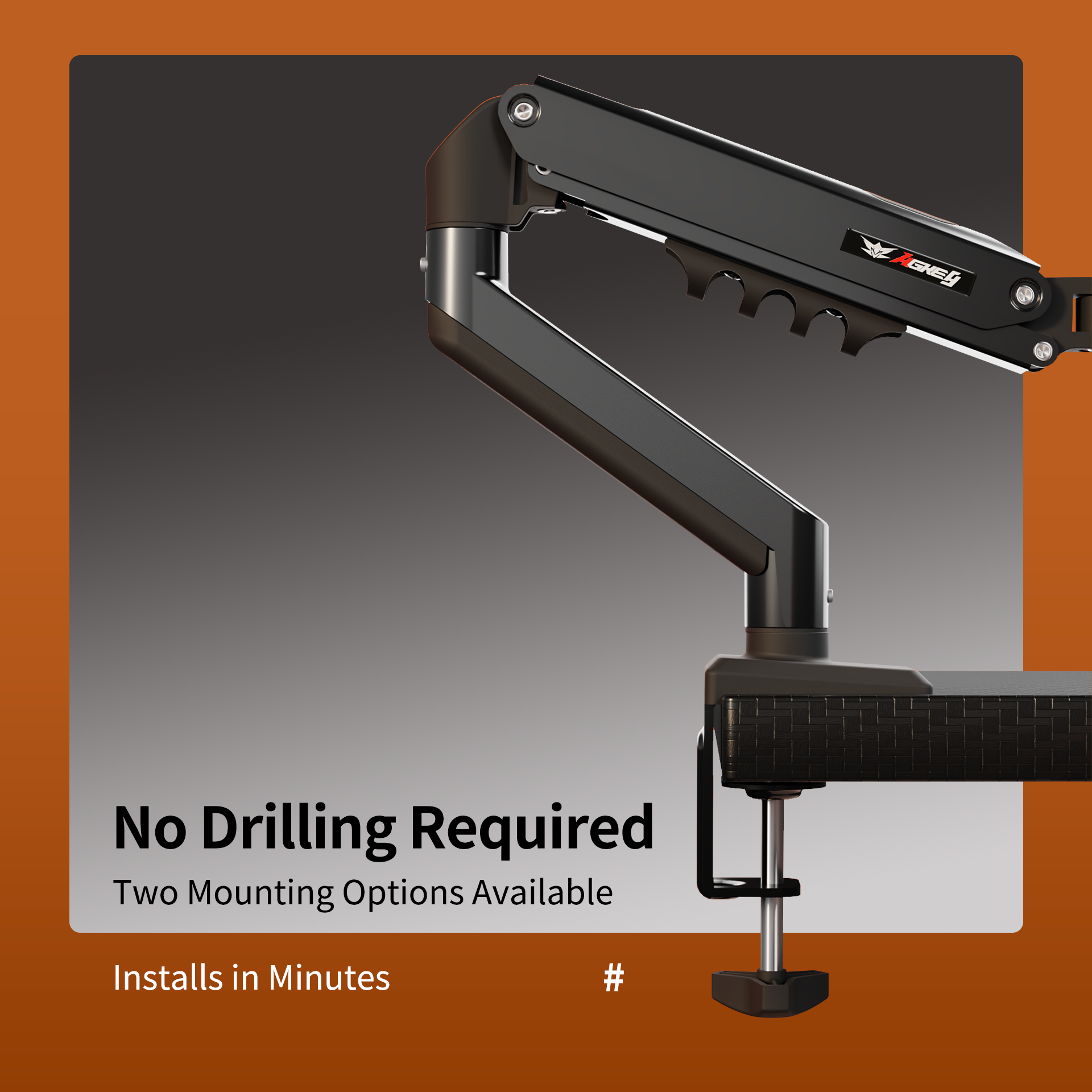
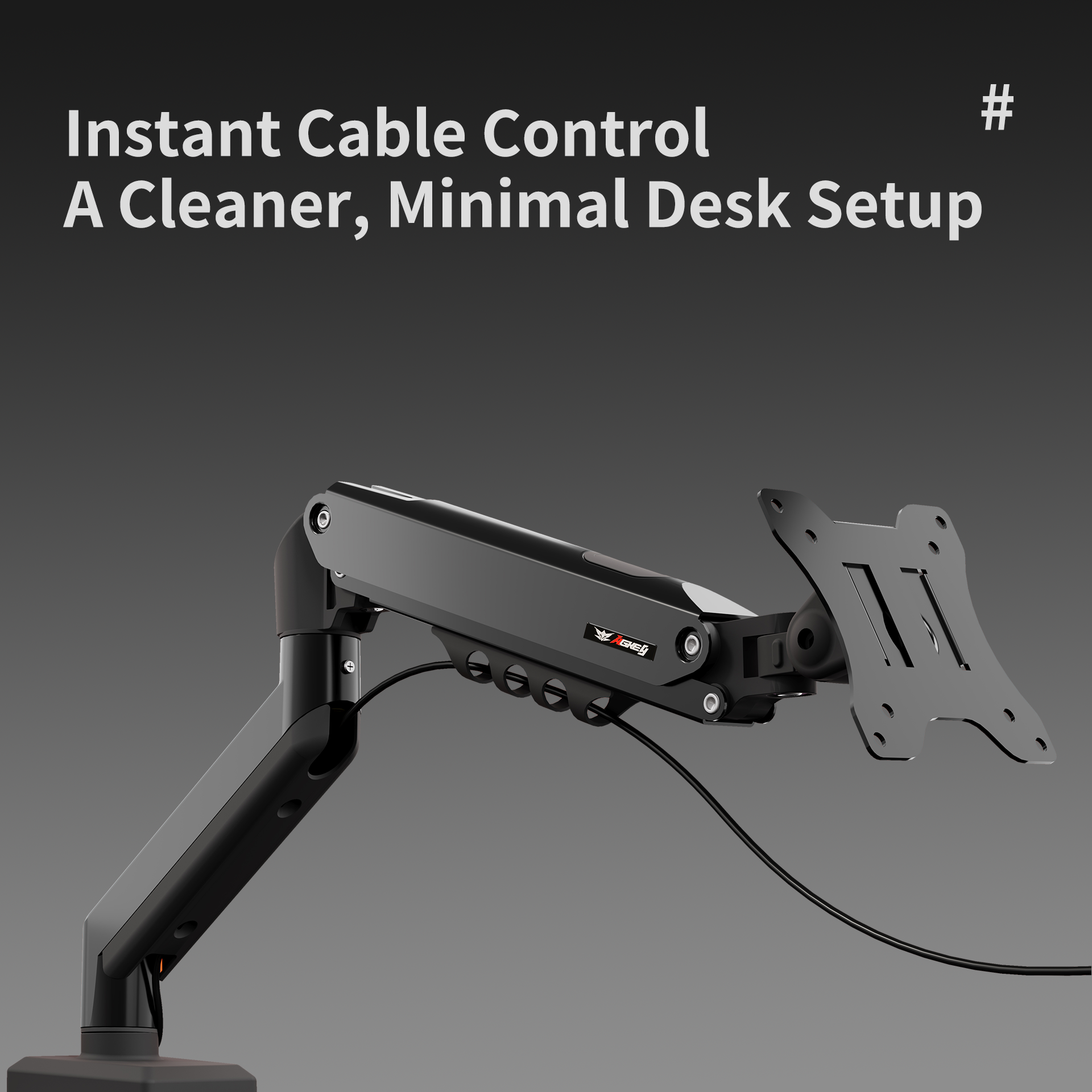
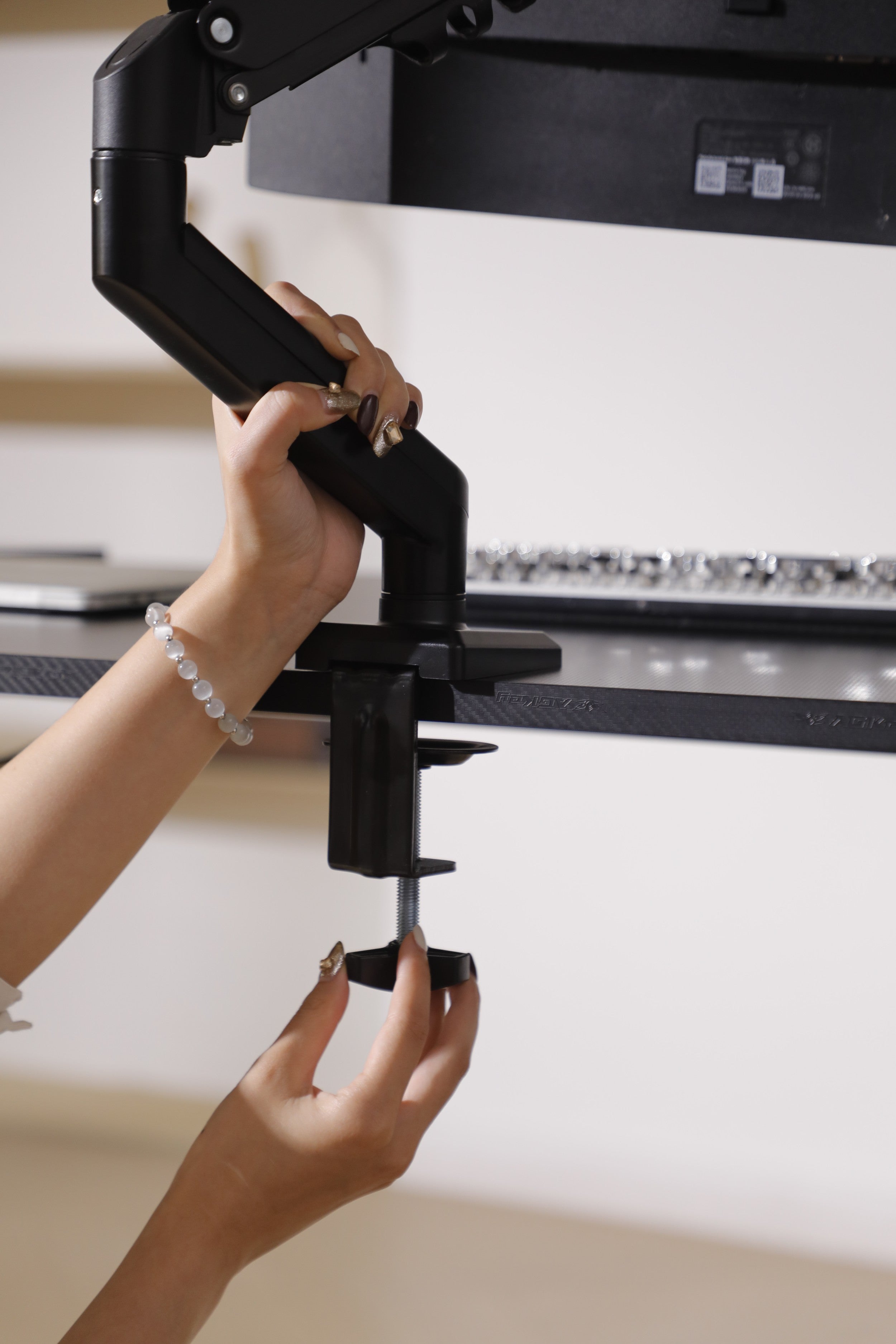
Get ready in minutes with our 3-step quick-install design. The M1 supports both C-clamp and Grommet mounting (no drilling required). Combined with integrated cable channels, it hides your cords for a clean, minimalist desk setup.
FAQs
Please read our FAQs page to find out more.
Will the AGKey M1 fit my monitor?
The M1 is compatible with most 15" to 32" monitors weighing between 2kg and 9kg (4.4 - 19.8 lbs). Your monitor must have a standard VESA mounting pattern (75x75mm or 100x100mm) on the back. Please check our "Buying Guide" image for desk compatibility as well.
Why does my monitor pop up or drop down after installation?
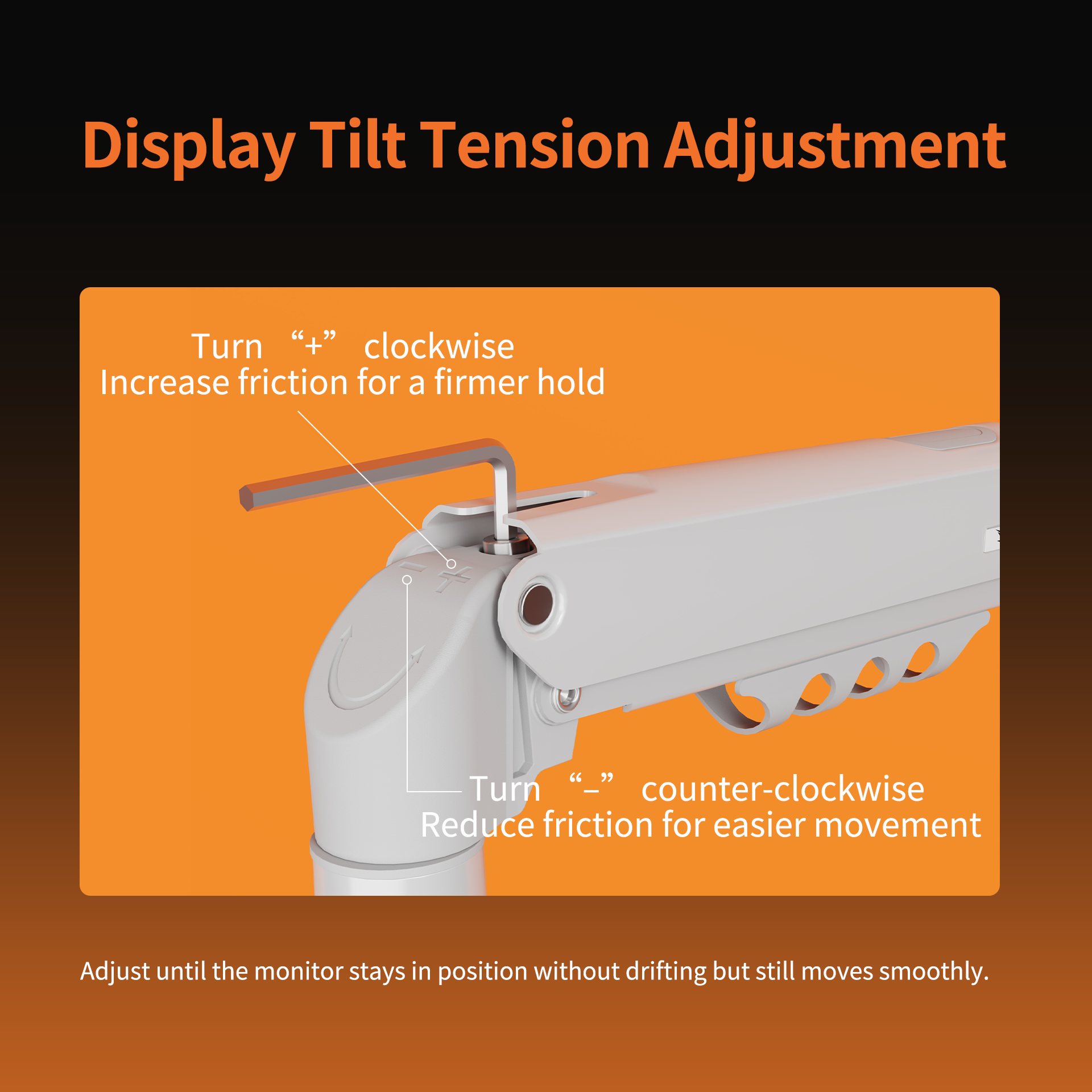
This is a matter of Gas Spring Tension Adjustment.
- If the monitor pops up: Turn the tension screw toward the "-" (minus) sign to reduce lift strength.
- If the monitor drops down: Turn it toward the "+" (plus) sign to increase support.
Adjust until the monitor hovers steadily at any height.
Can I install this without drilling a hole in my desk?
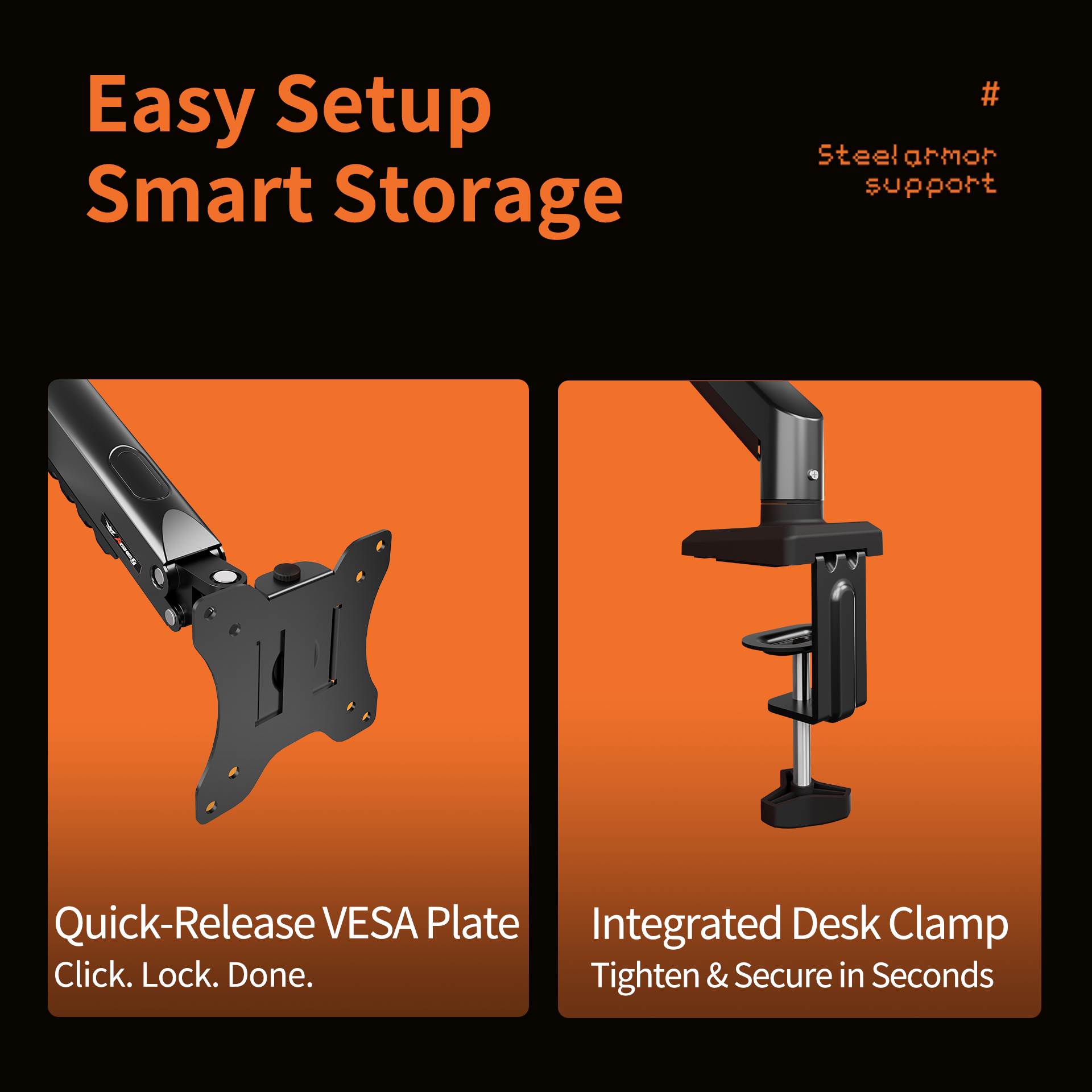
Absolutely. The M1 supports C-Clamp mounting, which grips the edge of your desk (10-70mm thickness) without any permanent damage. We also provide a Grommet mount option if your desk already has a pre-drilled hole.
How durable is the gas spring mechanism?
Our industrial-grade gas spring has passed over 15,000 cycle fatigue tests, ensuring it remains smooth and silent for years of daily use. Unlike traditional mechanical springs, it won't lose tension or develop noise over time.
Can I rotate my screen to portrait (vertical) mode?
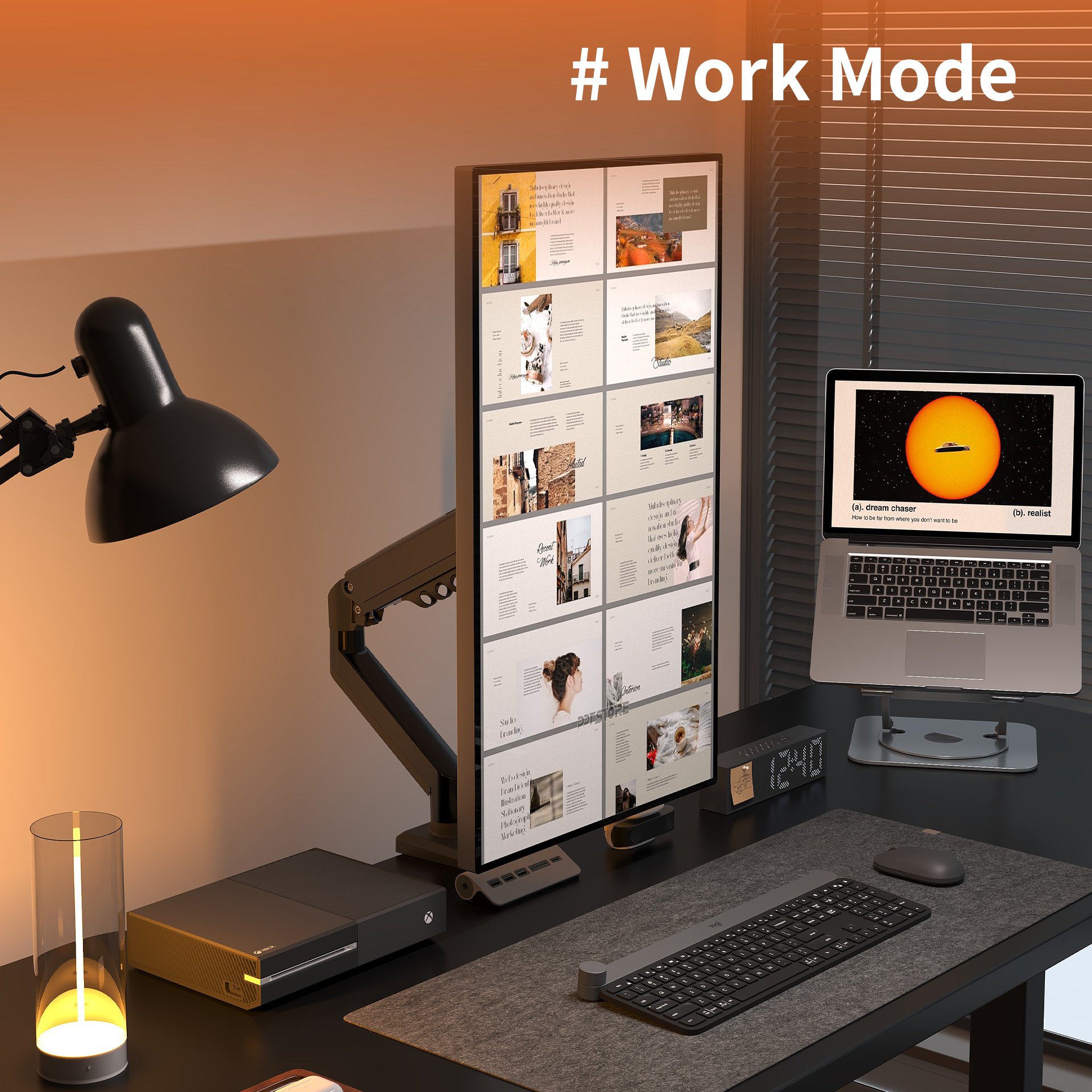
Yes! The M1 features 360° screen rotation and 5-axis articulation. You can easily switch between landscape and portrait modes—perfect for coding, reading long documents, or designing.
What if my desk has a beveled edge or a support beam?
For a secure fit, we recommend a flat desk surface with at least 60mm of clearance for the clamp. Please refer to our "Buying Guide" image to see which desk types (like glass or irregular edges) are not suitable for clamp installation.
Is it easy for one person to install?
Yes, the M1 is designed for a 3-step quick setup. The VESA plate is a quick-release design—you simply attach the plate to the monitor, then "click" it onto the arm. No extra hands are required for most setups.
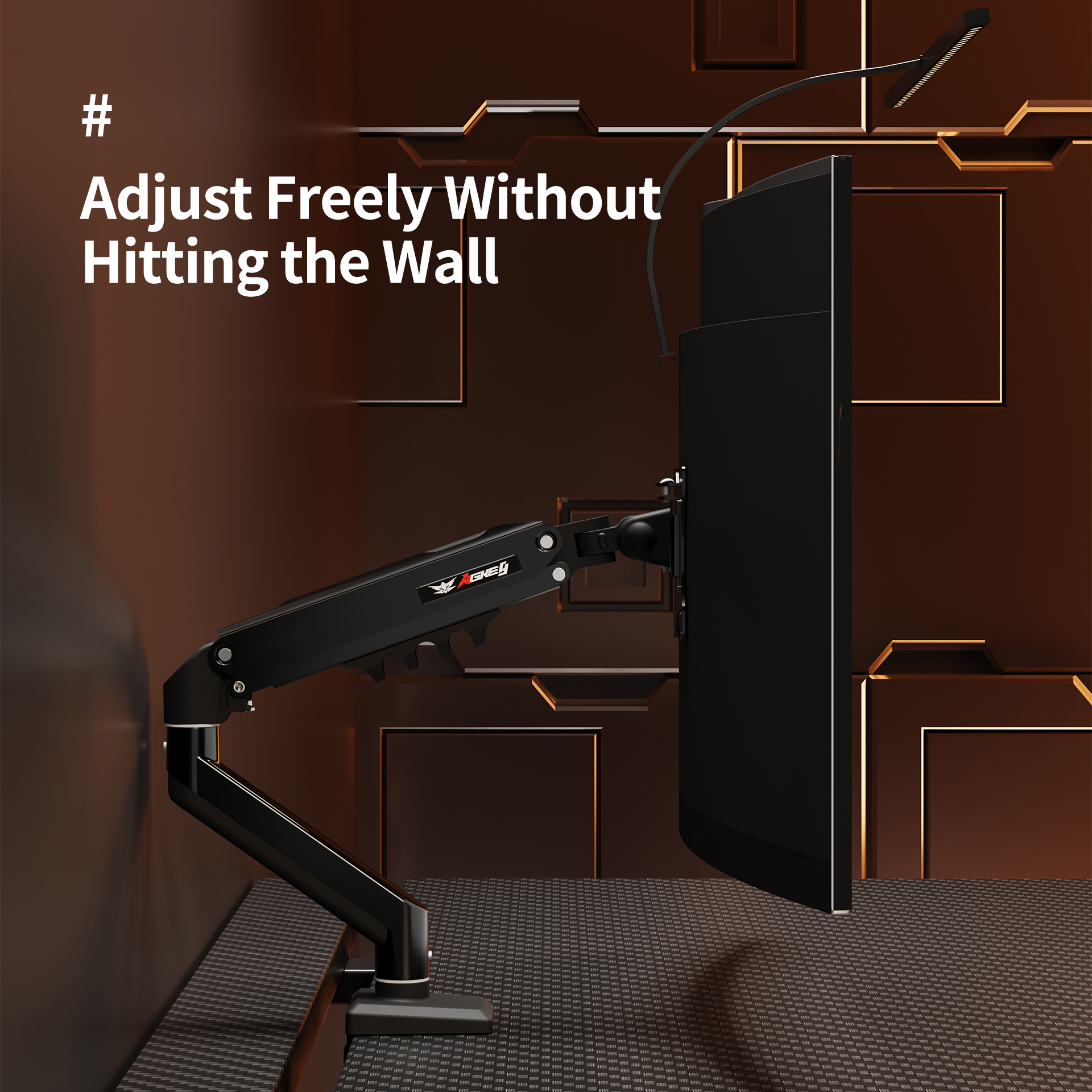
Will the arm hit the wall behind my desk?
Our "Wall-Friendly" design allows for a wide range of motion. Even if your desk is pushed against a wall, the articulated arms can be adjusted to minimize the footprint while keeping the screen at your preferred depth.