
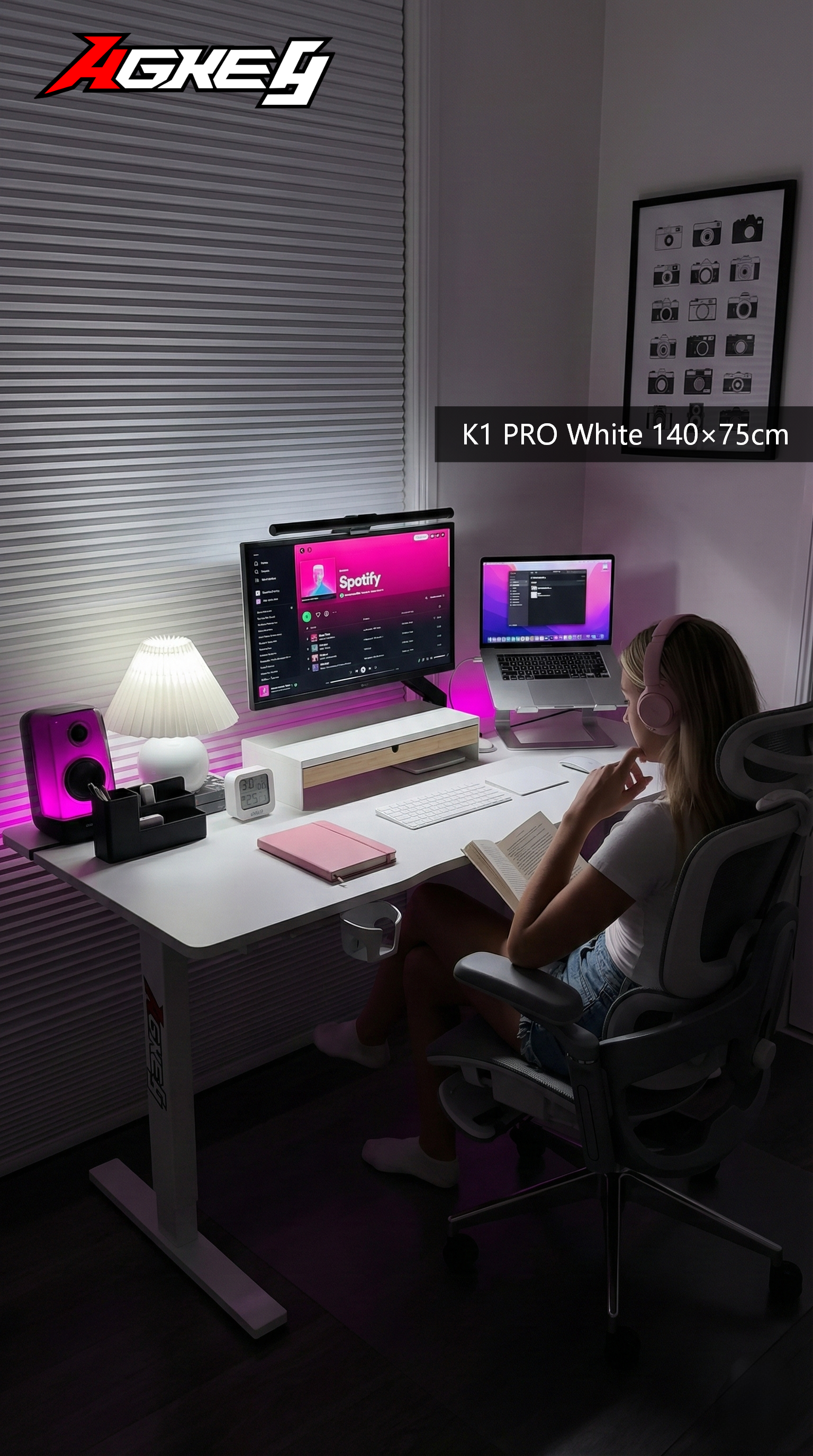
A gaming desk can be sturdy and still feel wrong every day. The issue isn’t always quality—it’s fit. If the depth is off, your screen ends up too close. If the height is wrong, your shoulders do overtime. If the legroom is blocked, you’ll sit twisted without realising… until you stand up feeling stiff.
This is a fit-first guide built for real Aussie rooms: rentals, carpets, and setups squeezed between a bed and a wall.
1) Depth: the “where does my mouse go?” test
Depth decides whether your posture stays relaxed or slowly collapses forward. Shallow desks push everything toward you: keyboard, mouse, then monitor. Suddenly your neck is inching forward like you’re trying to read tiny subtitles.
Do this mental layout:
- Keyboard in your natural position (not shoved to the edge)
- Mouse space for how you actually play (especially if you’re low-sens)
- Monitor behind that, with a little breathing room for cables
If you have to “stack” things to make them fit, the desk will feel cramped fast. Depth also saves you when you add a notebook, a uni laptop, or a controller charging dock later.
2) Height: the quickest way to create shoulder tension
People blame long study hours or gaming sessions for sore shoulders—sometimes it’s the desk height. If the desk is too high, you shrug without noticing. Too low and you hunch like you’re trying to fit into a hoodie one size too small.
A good match feels like:
- Shoulders stay down
- Elbows sit comfortably near desktop level
- Wrists aren’t bent upward to type
In Aussie rental life, chairs are often “whatever was cheapest.” That means desk height needs to be friendly, because you won’t always be able to fix the mismatch with chair adjustments.
Late one night in a share house in Canberra, someone tried to finish a group assignment on a desk that was just a bit too tall. They raised the chair to reach comfortably, but then their feet couldn’t sit flat. An hour later they were perched, one foot tucked under, shoulders creeping up, and the whole setup felt restless.
After swapping to a desk that matched their chair height properly, they sat with feet planted, elbows relaxed, and typing stopped feeling like a workout.
3) Legroom: the hidden dealbreaker no one checks online
Some desks look clean because the frame is chunky or the storage is built in. That’s great—until your knees meet the crossbar. If you can’t slide in close, you’ll lean forward. If you lean forward, your back takes the hit.
Check for:
- Clear space where your knees naturally go
- Room to shift position (long sessions aren’t statue sessions)
- No under-desk parts that force you to sit off-centre
Legroom matters even more if you use a footrest, sit cross-legged sometimes, or like to pull your chair in tight when focusing.
Where AGKey fits in
If you’re considering an AGKey gaming desk, treat it like a fit test, not a vibe test:
- Depth that supports a comfortable screen distance
- Height that works with the chair you actually own
- Under-desk space that stays open enough for long sessions
When those three match, the desk feels “right” even before you decorate the setup.
The takeaway
Don’t buy a desk that forces you to adapt your body to the furniture. Prioritise:
- Enough depth for your real mouse space + screen distance
- A height that keeps shoulders relaxed
- Legroom that lets you sit centred and move
That’s how you get a desk that feels good on day 2000—not just day 2.
Share:
“Your Setup Isn’t Messy — Your Desk Is” A Cable & Storage-First Gaming Desk Guide for Aussies
“If Your Monitor Wobbles, So Does Your Mood” — A Stability & Load-Realistic Gaming Desk Guide for Aussies