
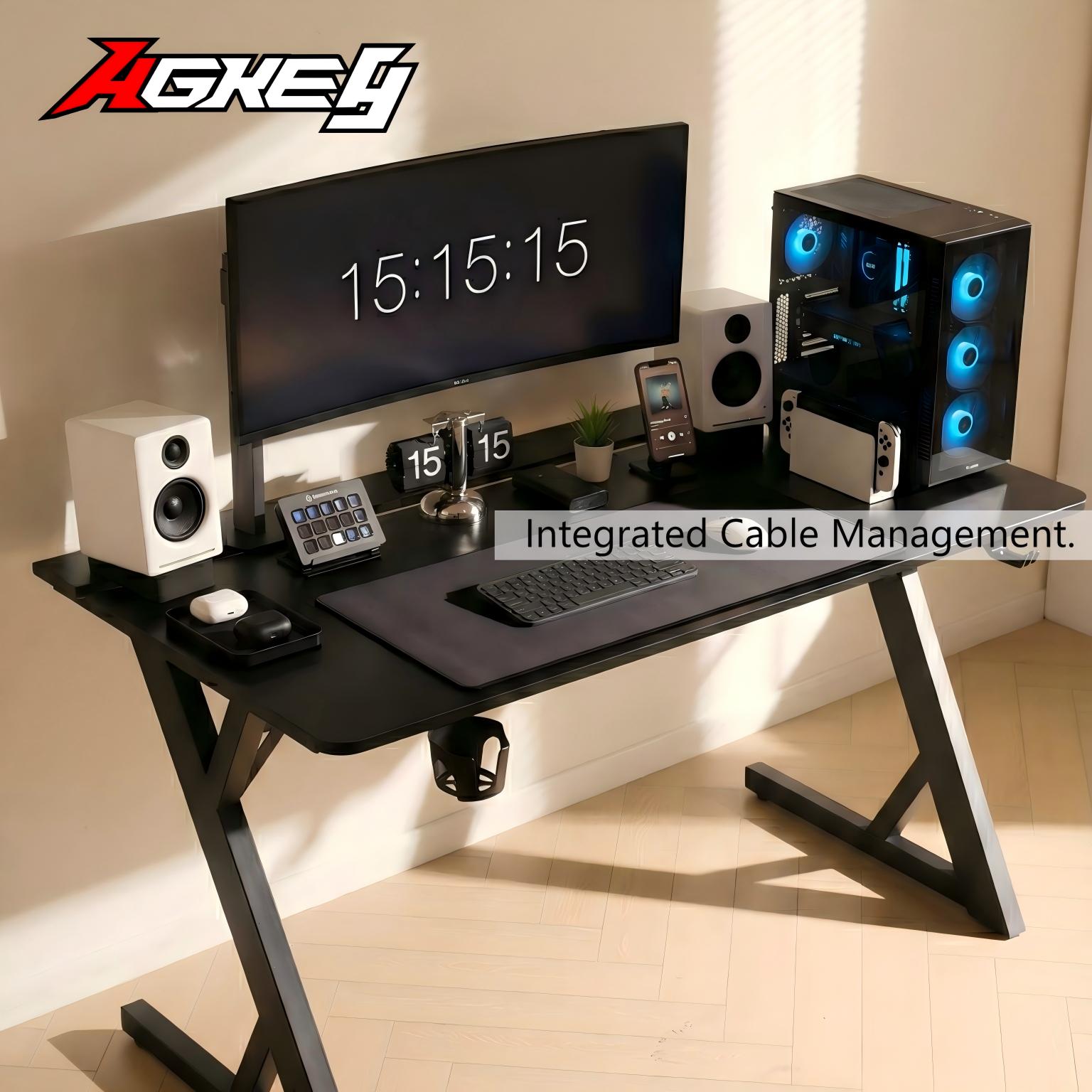
A lot of Aussie setups don’t look messy because you own too much gear.
They look messy because the desk gives your gear nowhere to go.
Power boards end up on the floor, adapters hang mid-air, USB cables creep across the desktop, and suddenly your “clean build” looks like a weekend move-out.
If you’re choosing a gaming desk and you care about a tidy space (especially in a rental or share house), make storage + cable management the main event.
1) Solve the floor problem: power boards don’t belong underfoot
The fastest way to make a room feel chaotic is a power board on the floor. It becomes:
- a dust magnet
- a trip hazard
- the reason your chair randomly unplugs things
Look for a desk with a real home for power boards:
- a cable tray/box that fits the board and the big bricks
- tie points so adapters don’t dangle
- enough space to keep cables from being bent tight
If the desk only offers a couple of clips, you’ll still end up with the same floor mess—just with nicer marketing photos.
2) Make “adding one device” easy, or your tidy setup won’t last
A tidy desk that can’t handle upgrades is a temporary illusion.
The second you add a webcam, mic, controller dock, or second monitor, everything unravels.
What keeps it stable:
- clear routing paths for both power and data cables
- quick access to the cable tray (swap one cable without unplugging ten)
- simple anchoring points so slack doesn’t spill onto the desk
In real life, “easy to maintain” beats “looks clean on day one.”
"Someone in a Sydney share house learned this the annoying way: their desk sat near the wardrobe, and every morning the wardrobe door brushed a dangling cable bundle. One day it yanked the HDMI just enough to make the monitor go black mid-Zoom, right as they were presenting. After switching to a desk with a proper cable tray/box, they lifted the power board off the floor, strapped the adapters in place, and routed cables straight down the back. The wardrobe door stopped catching anything, and the desk suddenly looked like an actual workstation instead of a temporary setup."
3) Desktop storage: stop wasting the top surface on little “floaty” stuff
Cable chaos usually comes with “tiny stuff drift”: the USB hub, controller, chargers, spare batteries, headphone cable, dongles.
If there’s no place for them, the desktop becomes a catch-all.
Look for:
- room to tuck a hub/charger under the desk (or at least cable-friendly spots)
- a layout that keeps frequently used items within reach without spreading clutter
- enough depth so cables can sit behind the monitor instead of across your keyboard area
A desk like the AGKey gaming desk that treats cable storage as part of the design (not an accessory) is made for this reality: multiple devices, frequent charging, and limited space.
The takeaway
If you want a setup that stays clean, don’t just ask “is the desk big enough?” Ask:
- Where does the power board live?
- Where do adapters and excess cable slack go?
- Can I add gear without rebuilding the whole desk?
Get those right, and your room will feel calmer—even before you change anything else.
Share:
“Stop Buying a Desk That Bullies Your Body” — An Aussie Fit-Check Guide
Your Desk Shouldn’t Feel Like Economy Class” — Aussie Gaming Desk Fit Guide